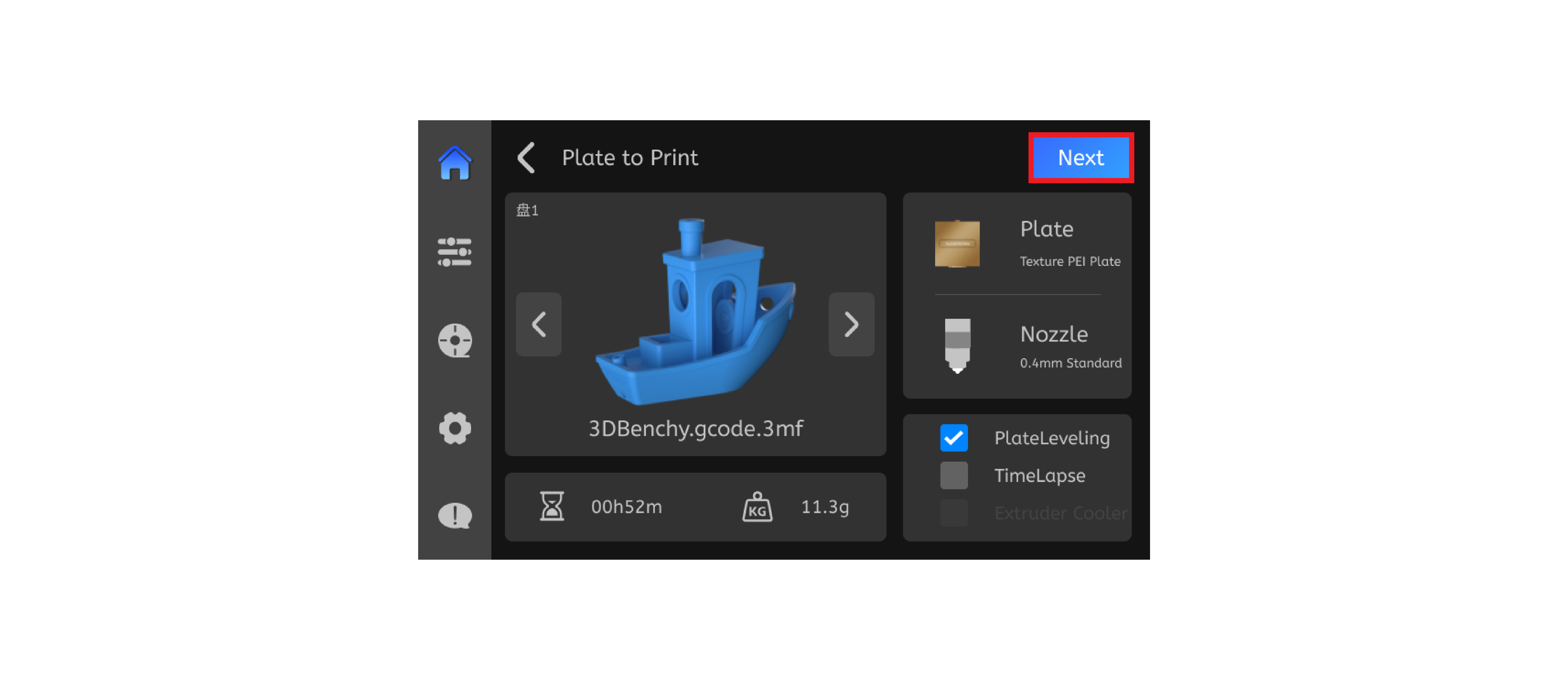
¶ Print from USB flash drive
We have included a USB flash drive in the product for you, which you can directly use as a storage medium.
-
Simply place the Gcode file on a USB drive and insert it into the printer.
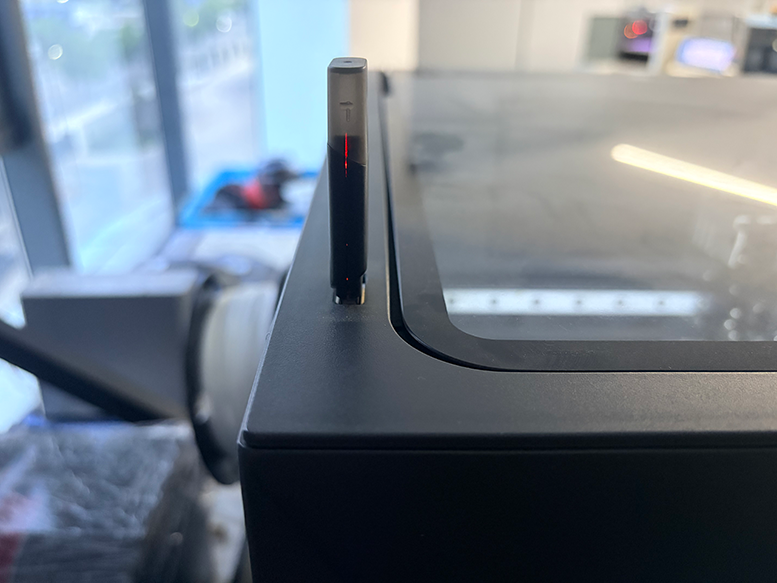
-
Click on "Print File" on the homepage
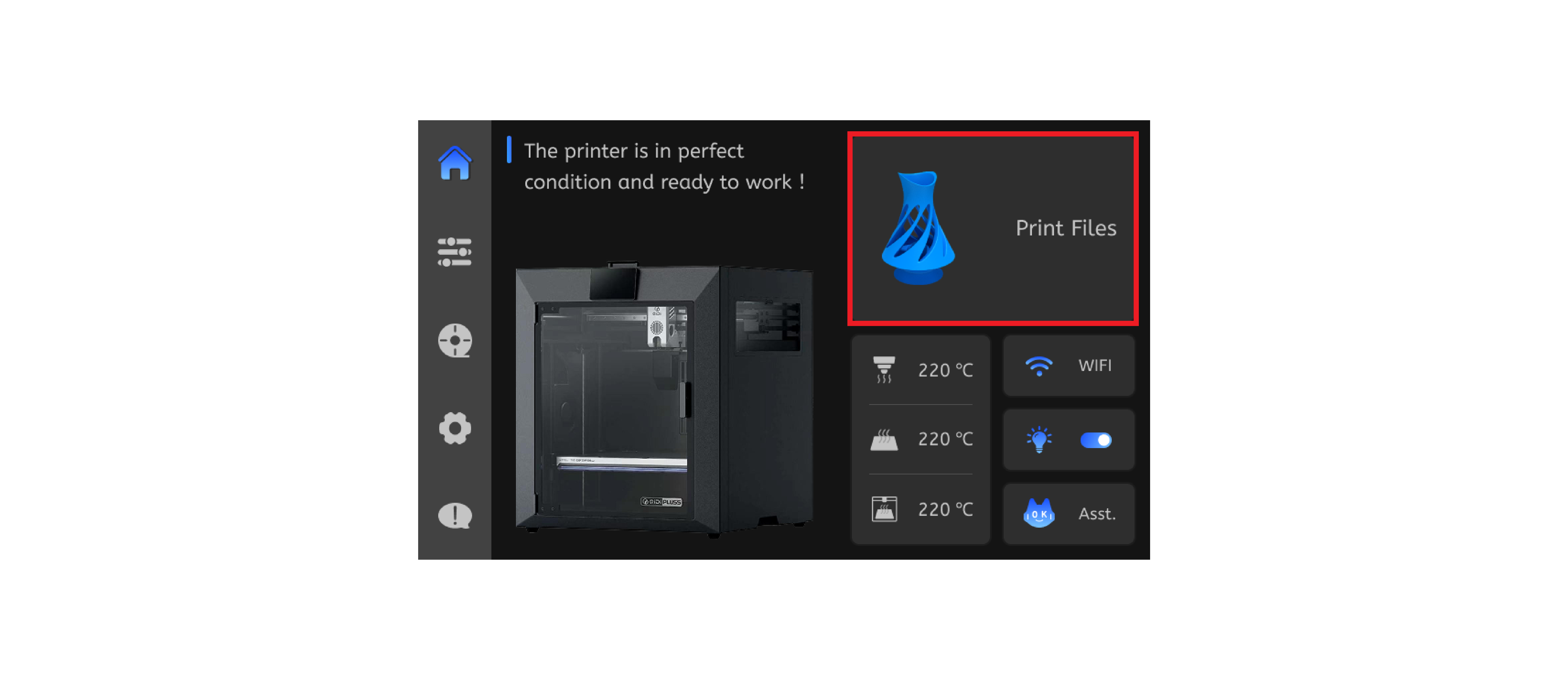
-
Click "Documents" to enter the page, select "USB", and access the files stored in the storage medium.
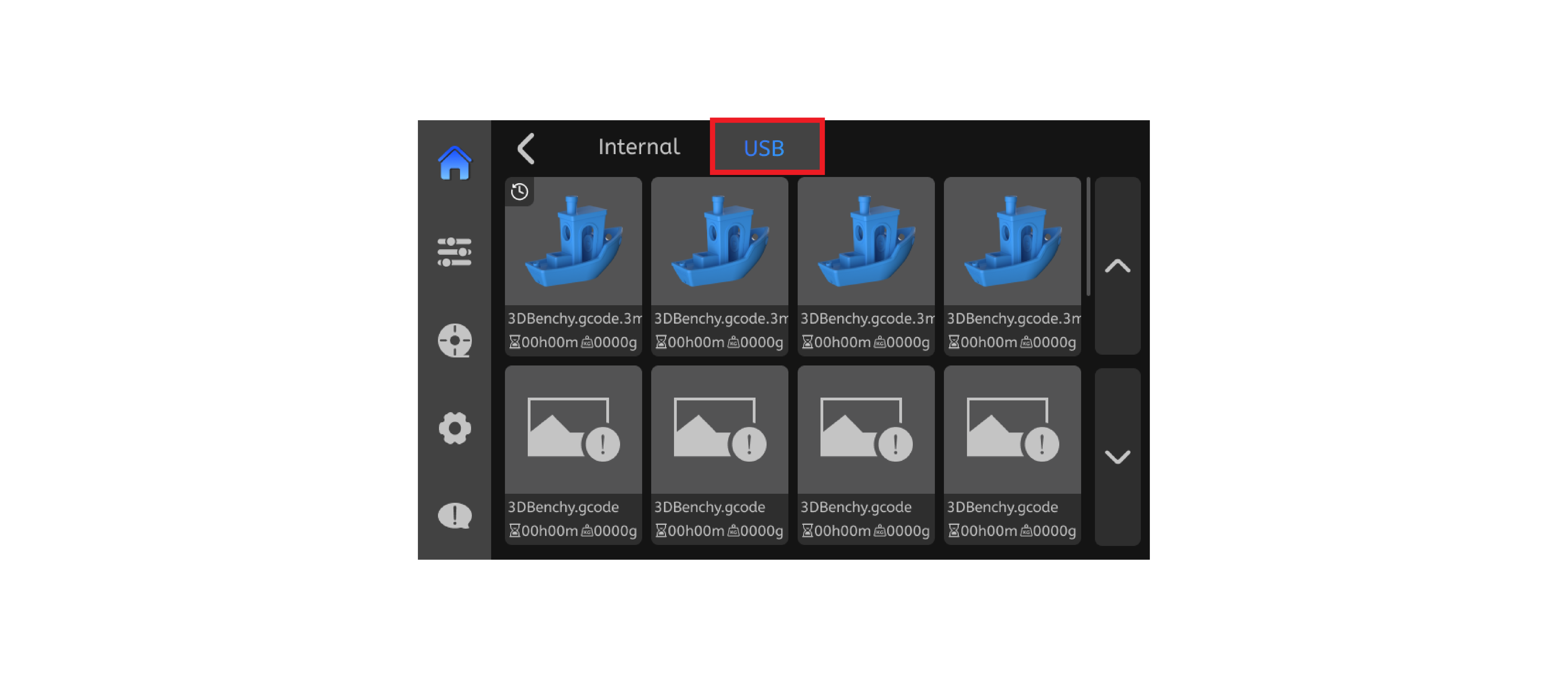
-
After confirming that the corresponding consumables have been loaded, click to start printing.