¶ Q2 Belt Adjustment
Warning:
Do not overtighten the belts. Excessive tension may cause premature wear of the belts, bearings, and motors, and can negatively affect print quality.
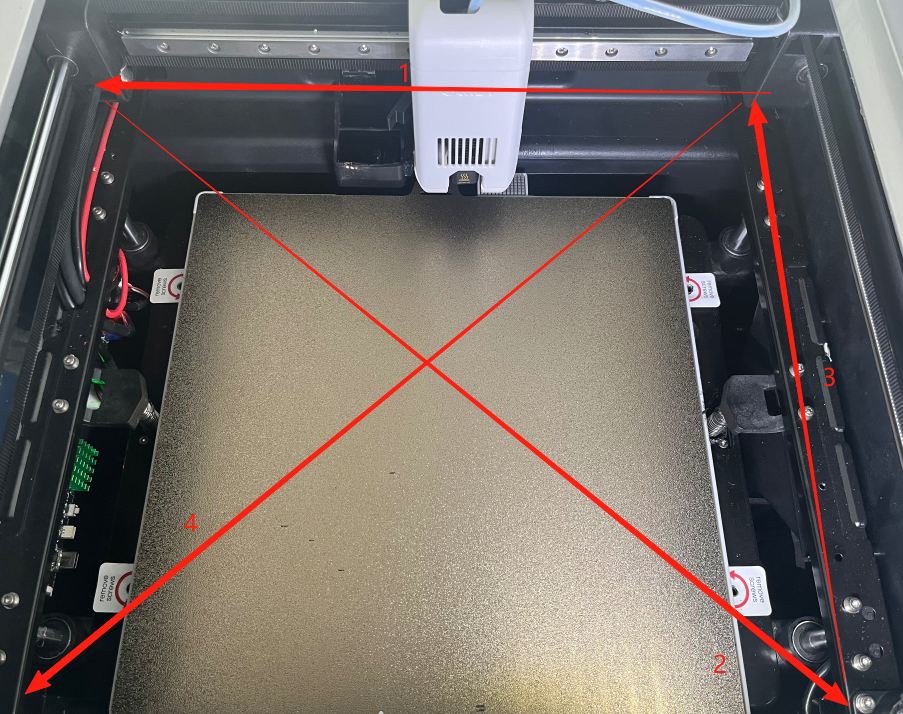
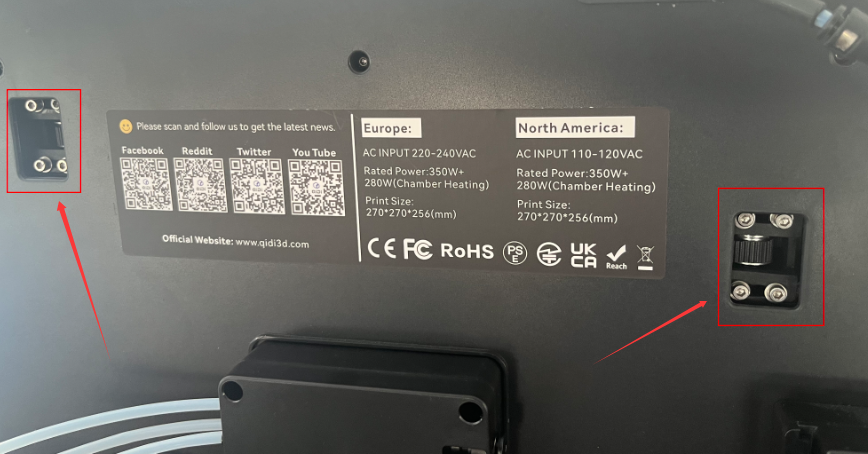
The Q2 printer uses an adaptive belt tensioning system. Each belt tensioner has fixing screws located on the rear. To adjust belt tension, loosen these screws and allow the printer to self-adjust while moving the printhead as shown in the reference video. After adjustment, retighten all screws.
¶ Step 1: Loosen the Fixing Screws
Loosen all belt tensioner fixing screws.
¶ Step 2: Adjust Belt Tension
Move the printhead in the direction shown in the reference video to allow the belt to tension automatically. After adjustment, tighten all screws securely.