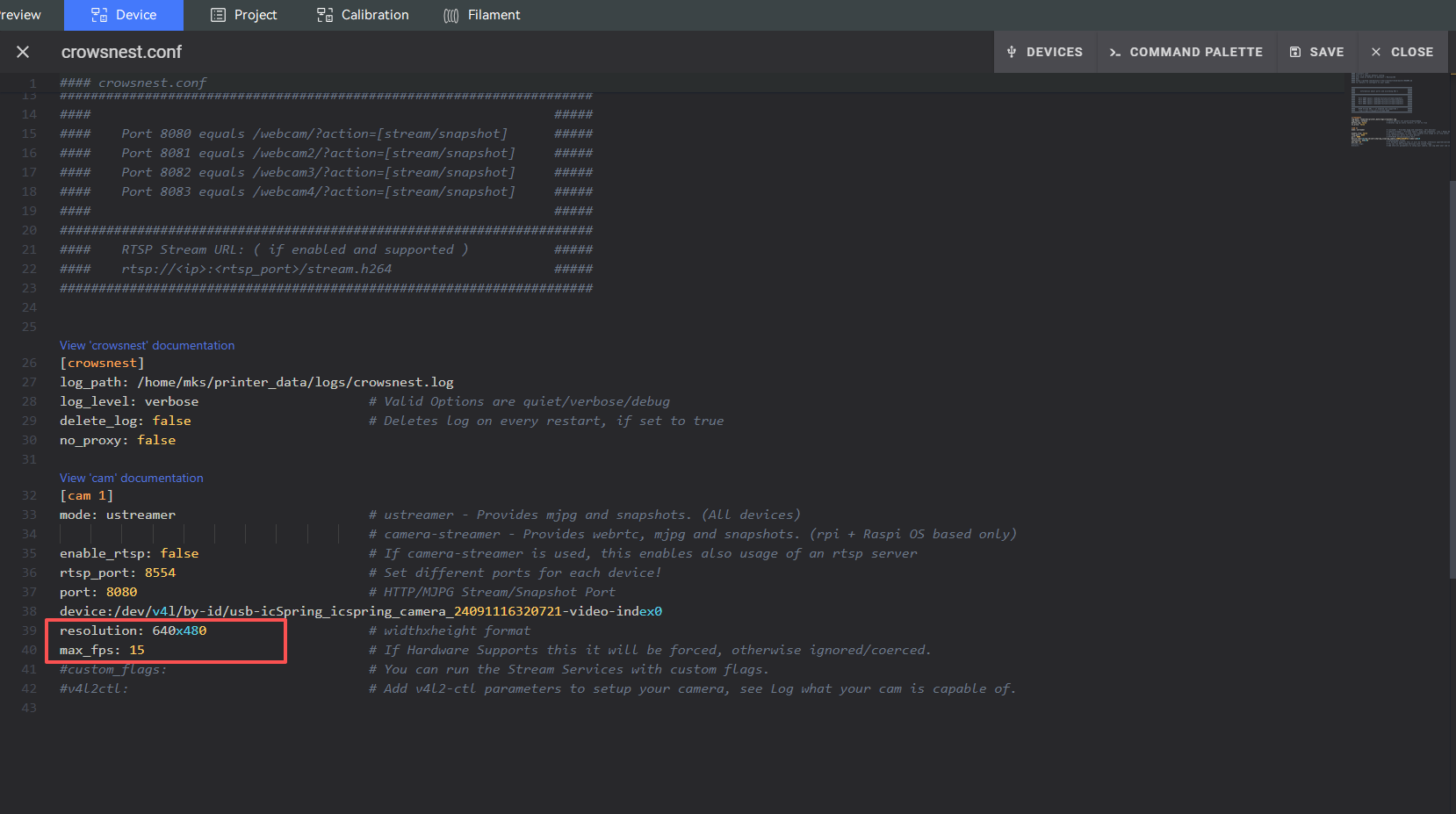
¶ How to Adjust the Camera
- Open the Device Configuration page in Fluidd.
- Locate and open the
crowsnest.conffile. - Modify the camera parameters as needed.
- Click Save & Restart for the changes to take effect.
¶ Default Settings
resolution: 640x480
max_fps: 15
Warning:
Setting a very high camera resolution or frame rate may reduce printer performance.