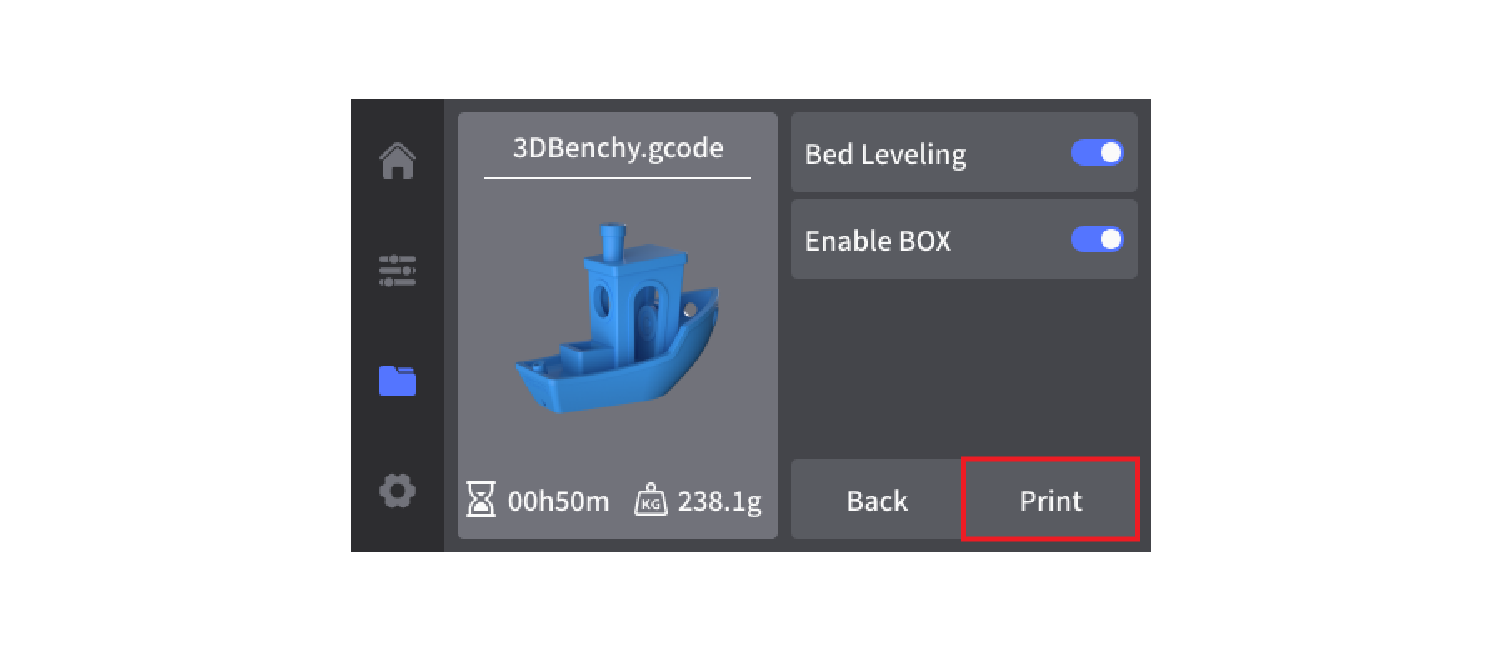
¶ Print from a USB Flash Drive
A USB flash drive is included with the printer and can be used to transfer print files directly.
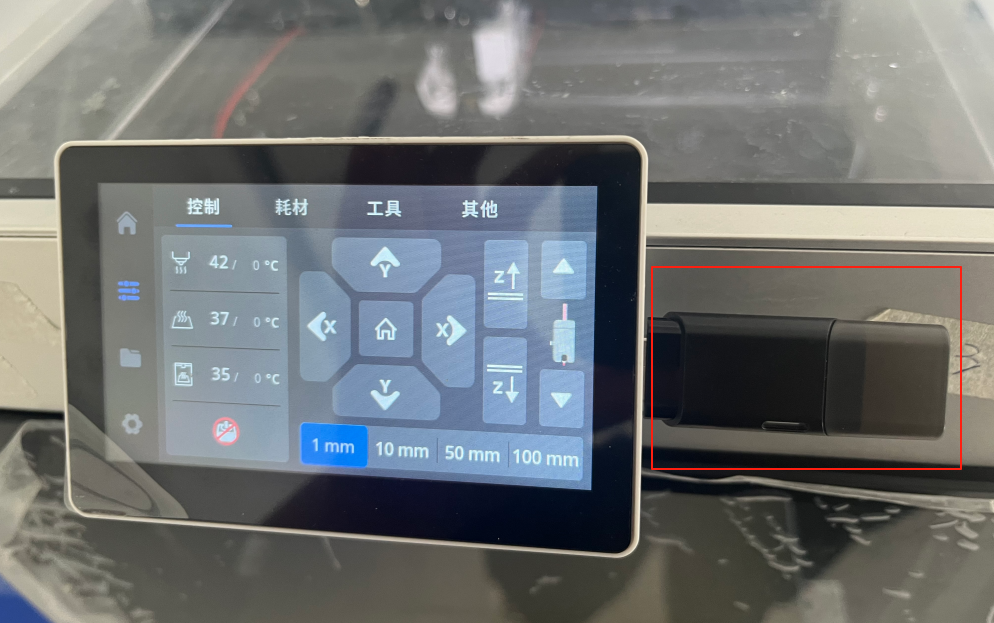
- Copy your G-code file to the USB flash drive and insert it into the printer.
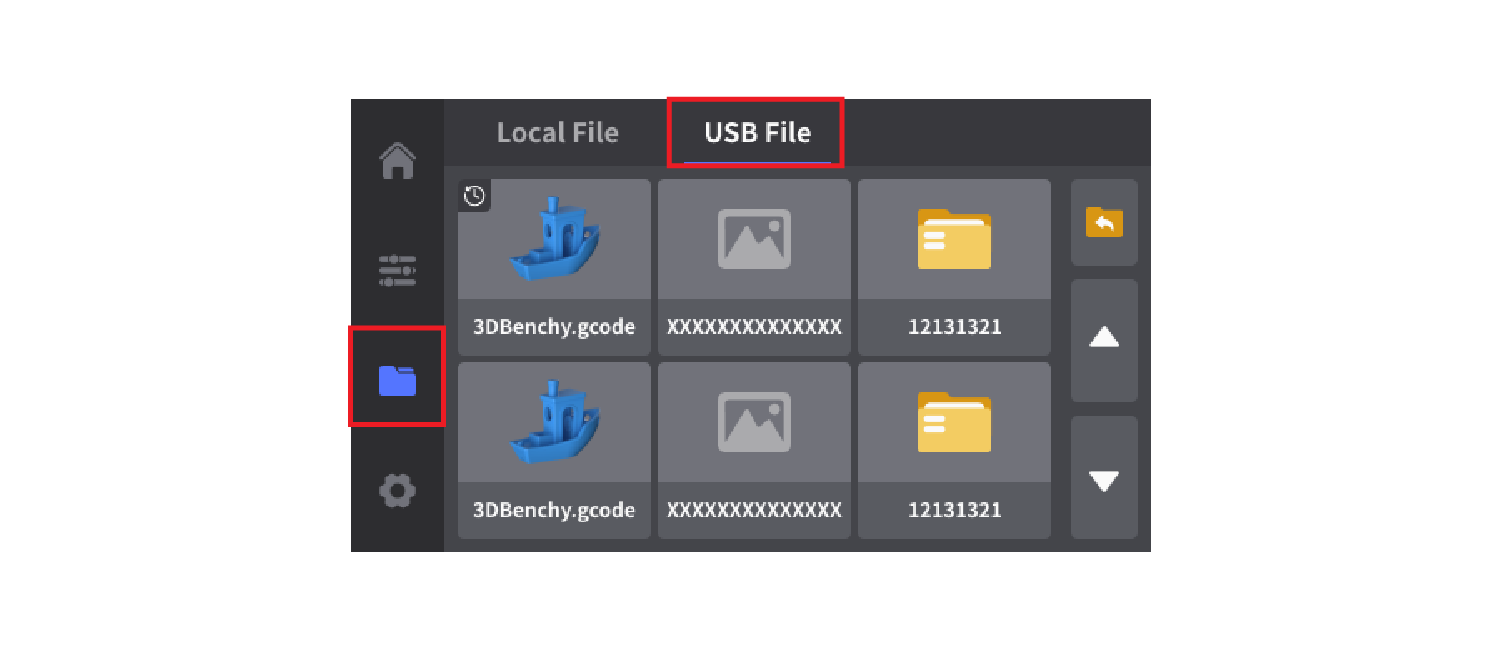
- On the touchscreen, tap Files, select USB, and open the file stored on the USB flash drive.
- Confirm that the correct filament is loaded, then tap Start to begin printing.