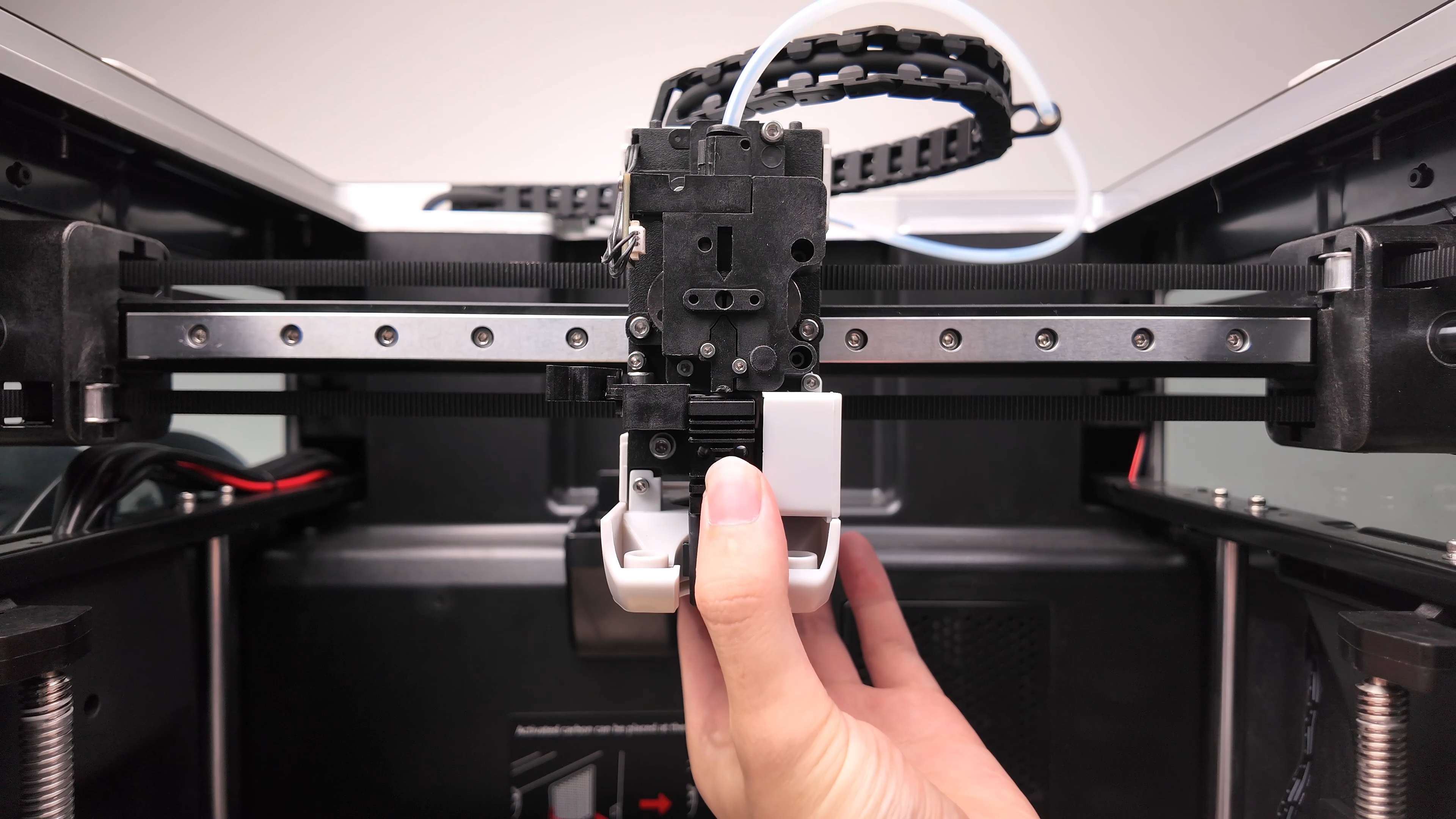
¶ Q2 Hot End Replacement
Safety Notes:
- Ensure the printer is completely powered off and unplugged before starting.
- Allow the hot end to cool fully to avoid burns.
- Avoid pulling on wires directly when disconnecting connectors.
- Unload the filament.
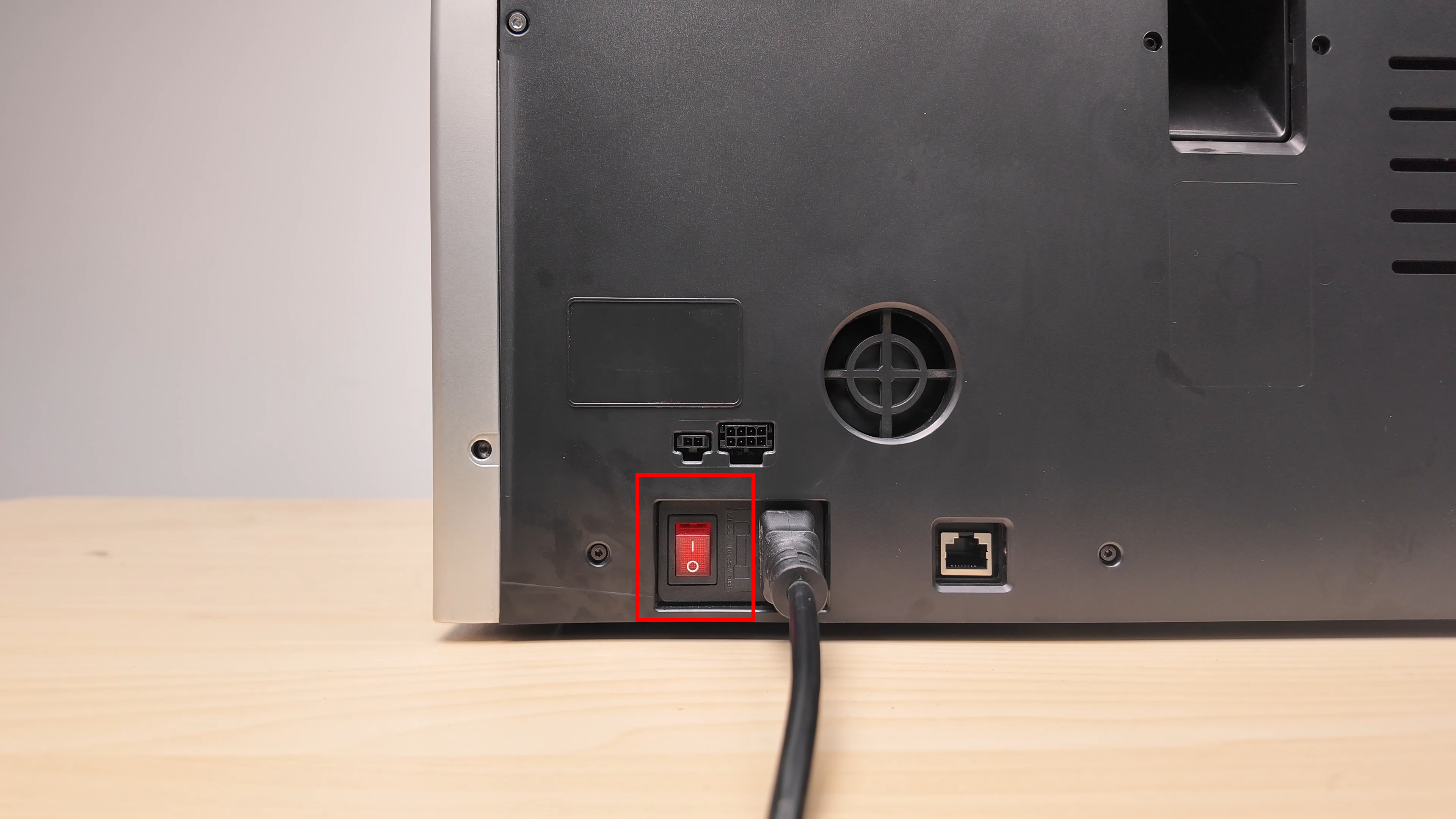
- Turn off the printer and disconnect the power.
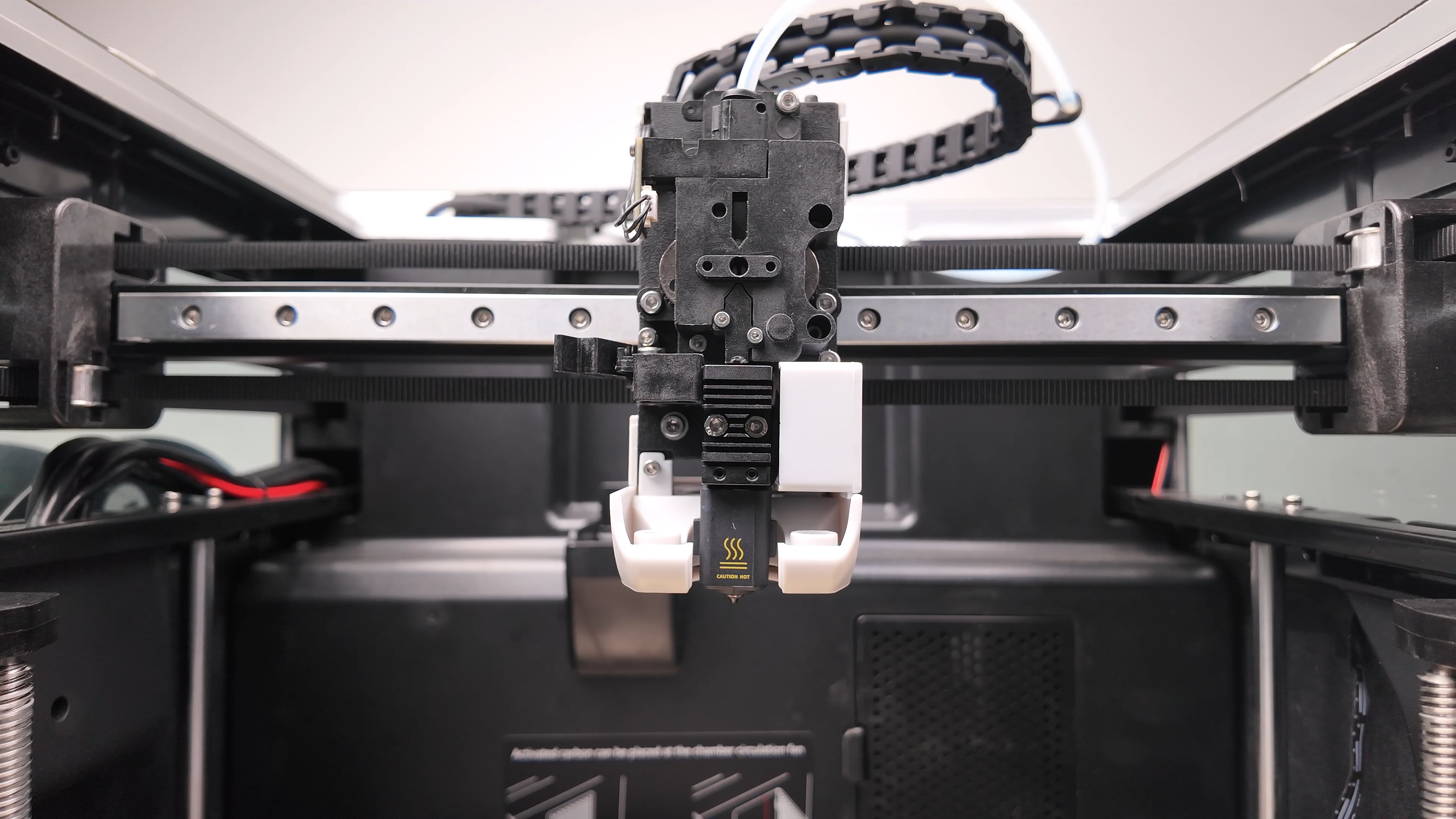
- Remove the front cover.
- Remove the rear cover plate.
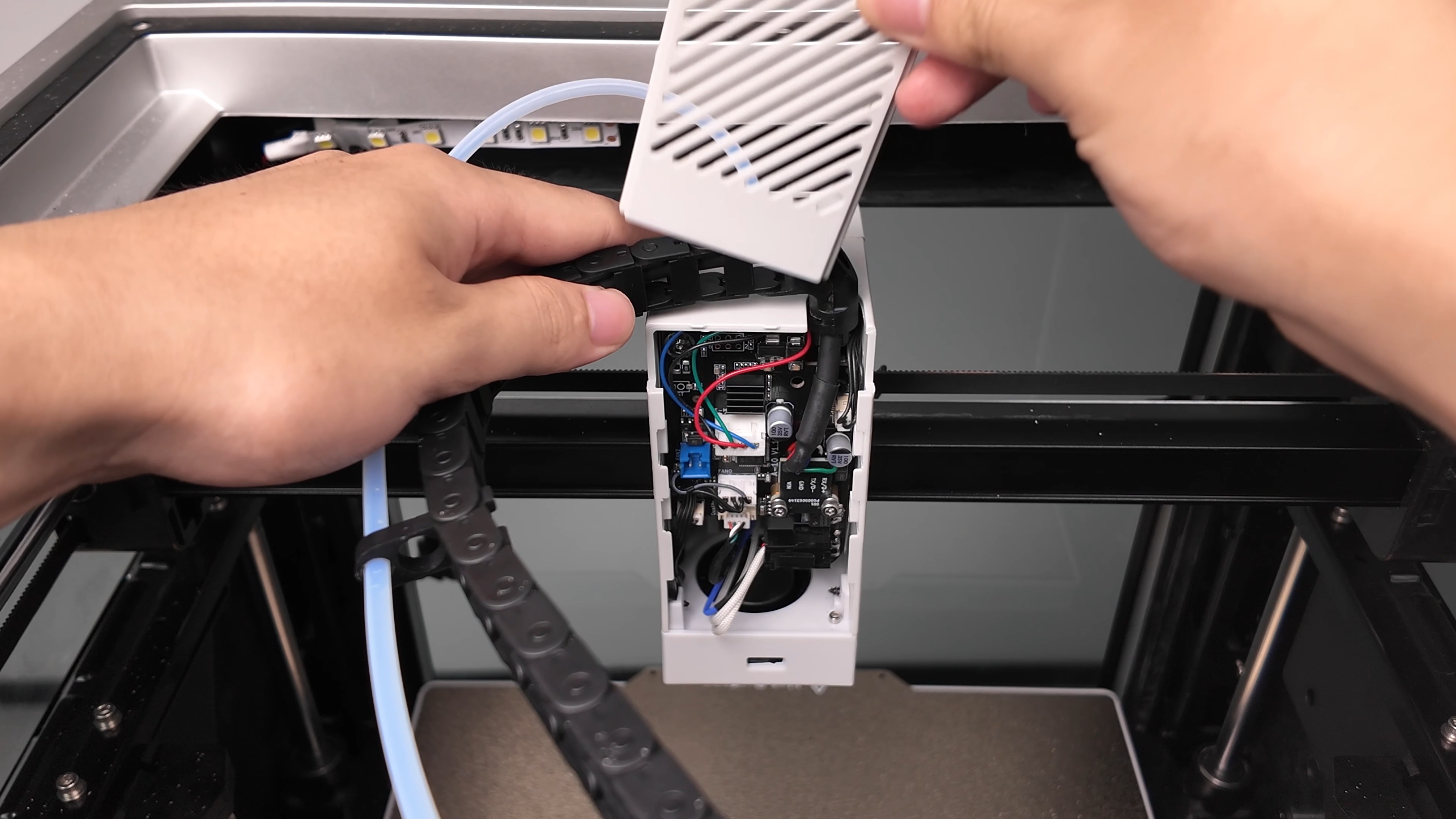
- Disconnect the two hot end connectors.
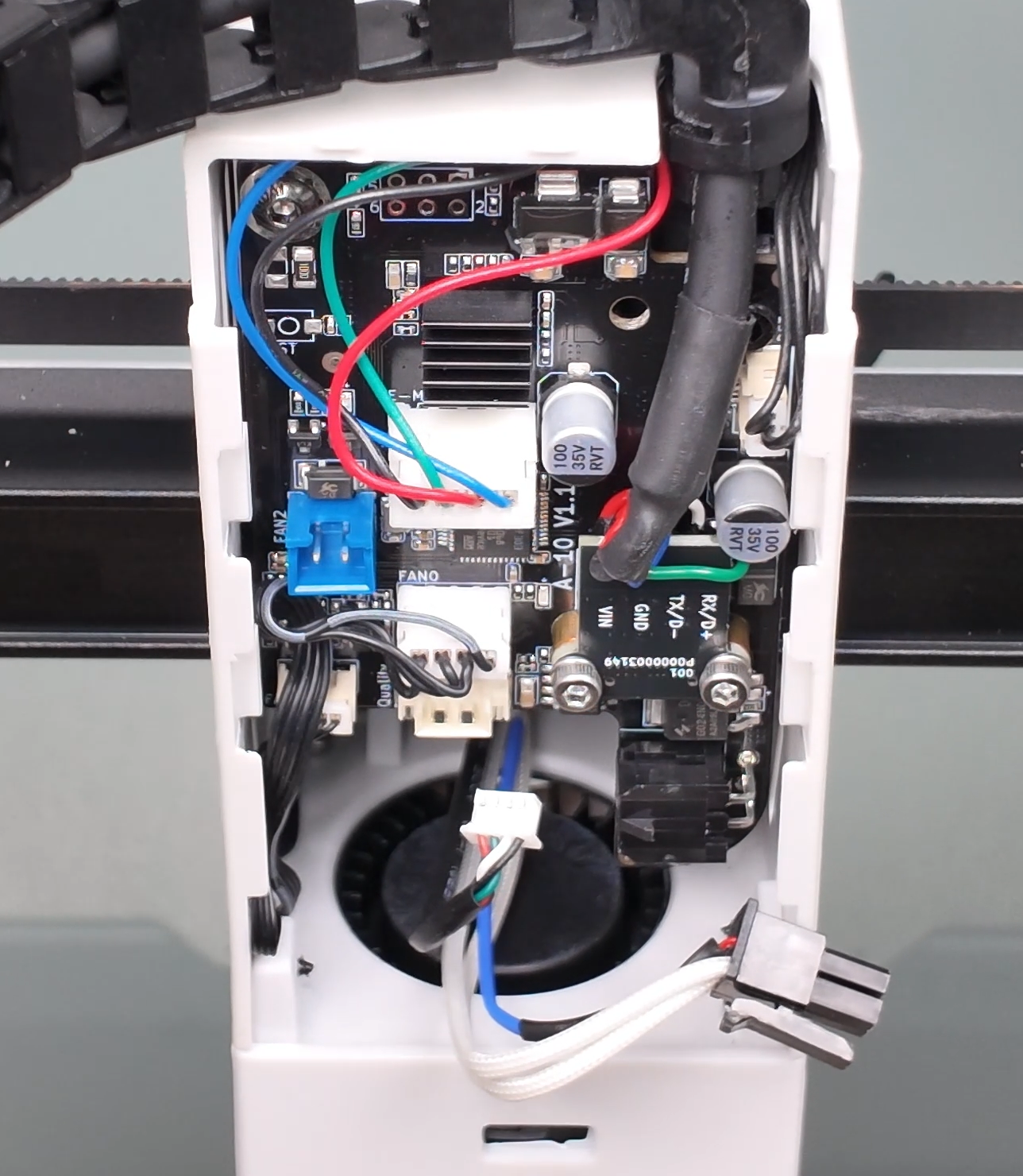
- Remove the two screws securing the hot end.
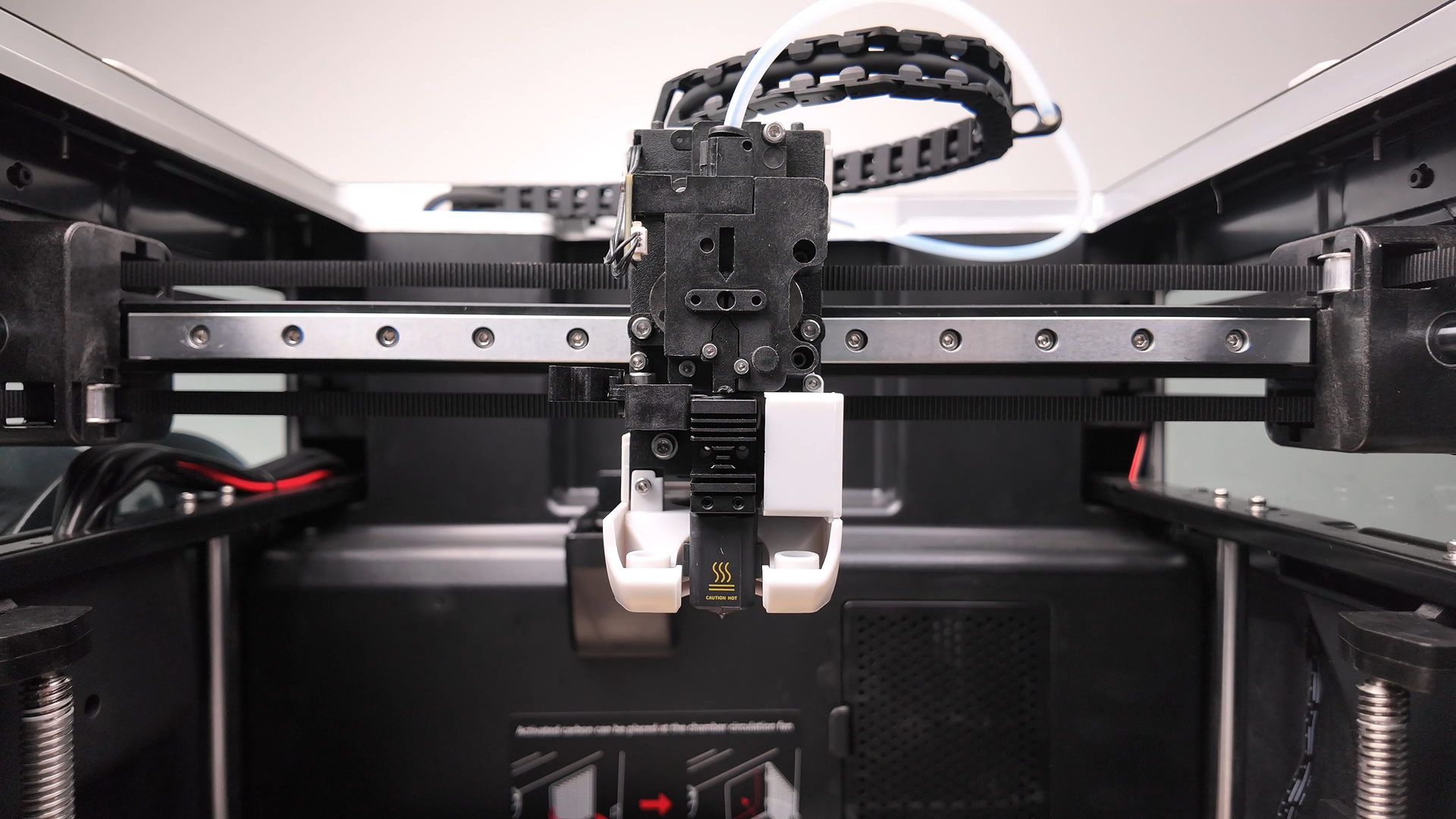
- Remove the hot end.
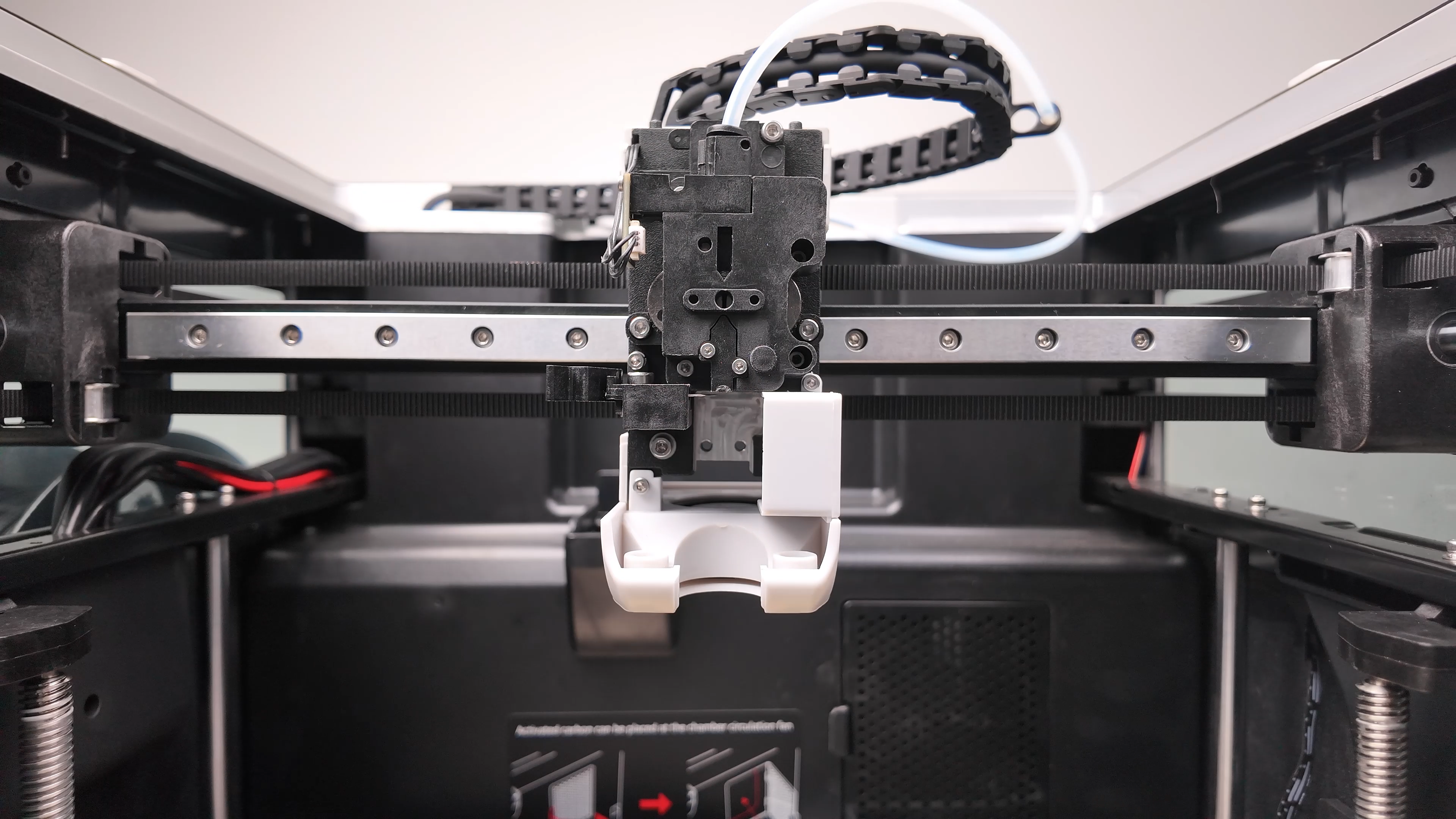
- Install the new hot end by reversing the steps above.