¶ How to Disable Automatic Leveling
Info:
Automatic leveling before each print helps ensure optimal print quality. Disabling this feature is not recommended.
Warning:
Before disabling automatic leveling, run Tools → Automatic Leveling on the touchscreen to generate and store valid leveling data.
¶ Method 1: Disable from Slicing Software
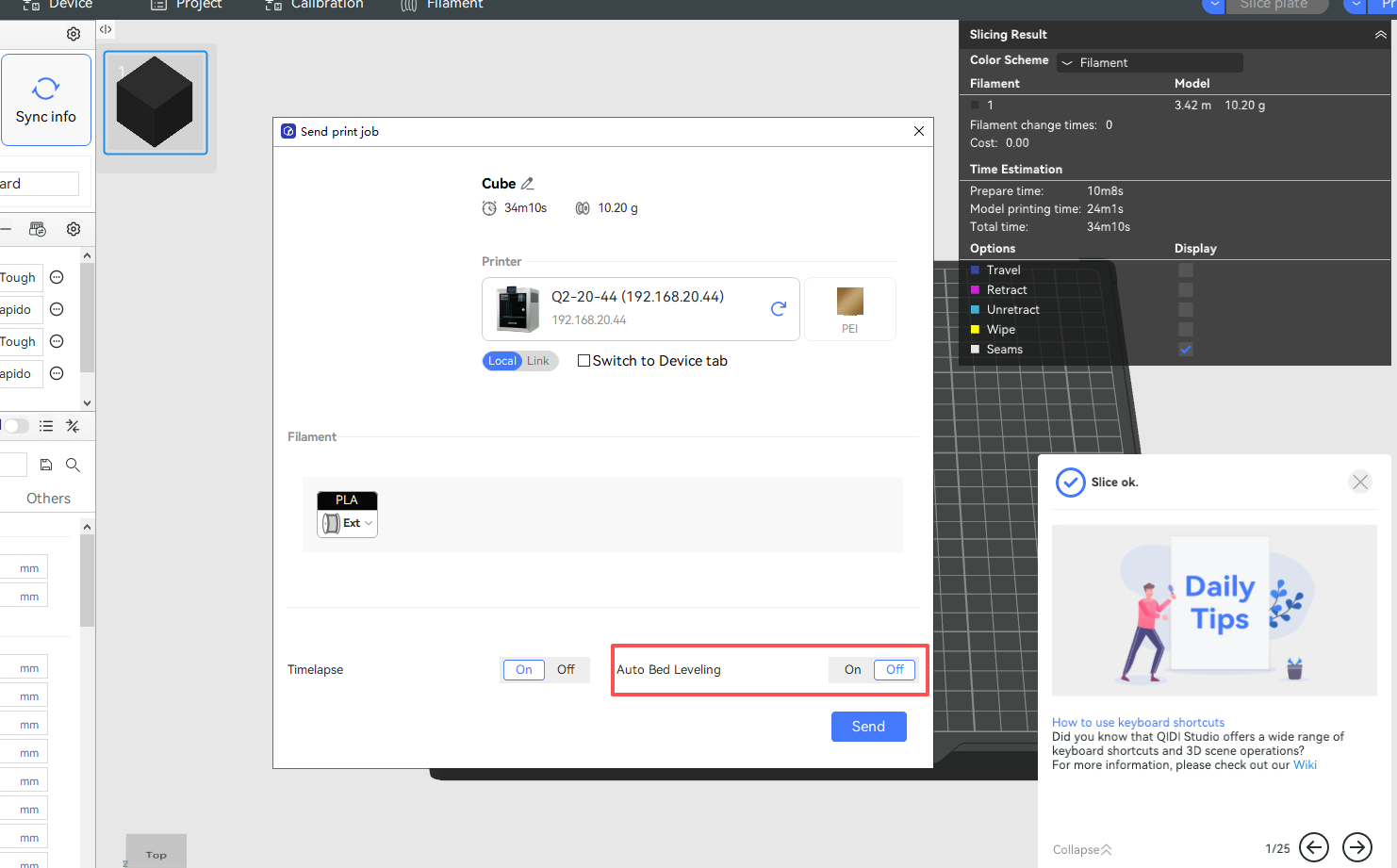
You can disable automatic leveling when sending a print job from your slicing software.
¶ Method 2: Disable from the Touchscreen
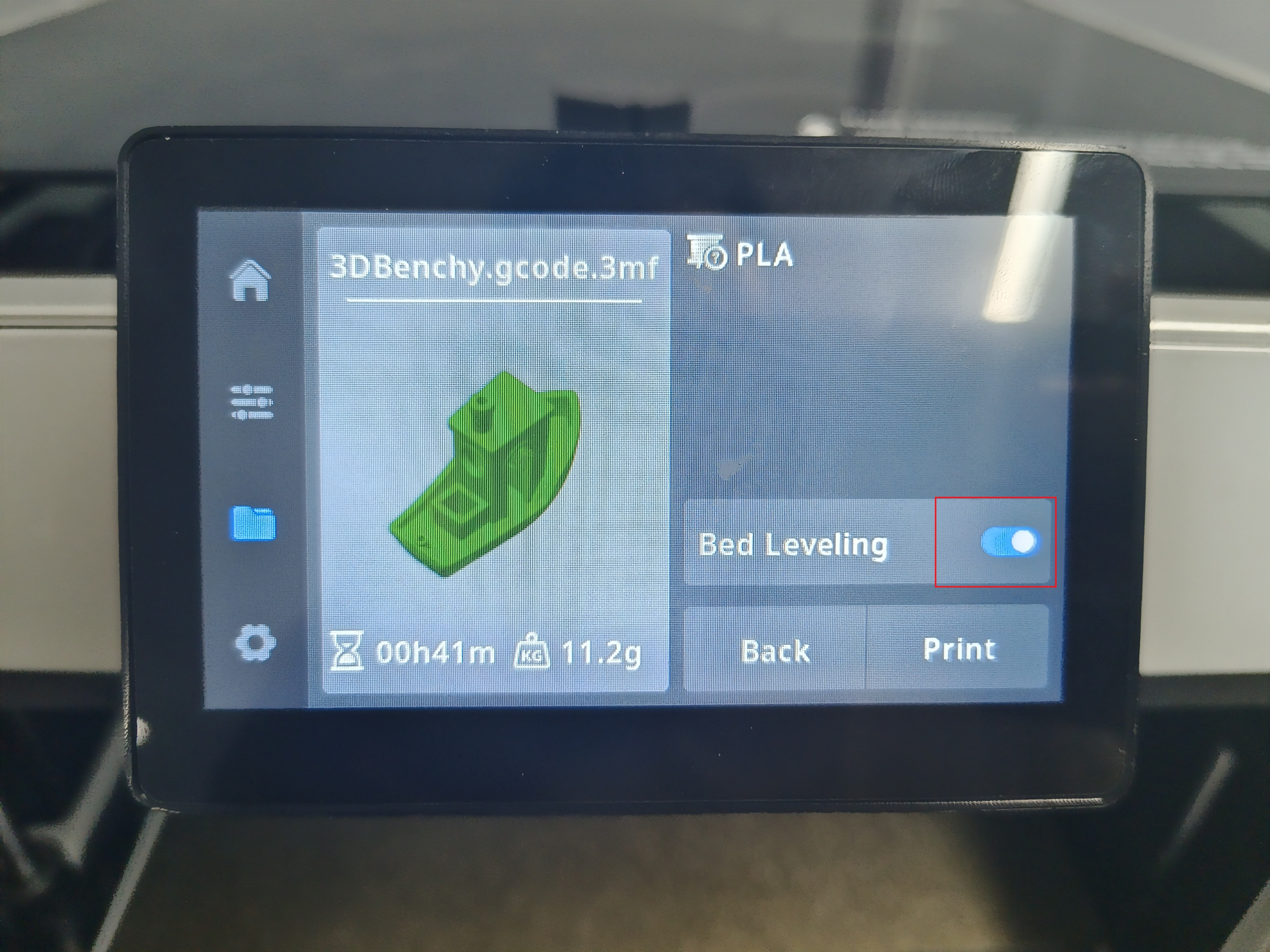
You can also disable automatic leveling when selecting a print file directly from the touchscreen.