¶ Unboxing Video
¶ Graphic and Text Instructions
¶ Open the Cardboard Box
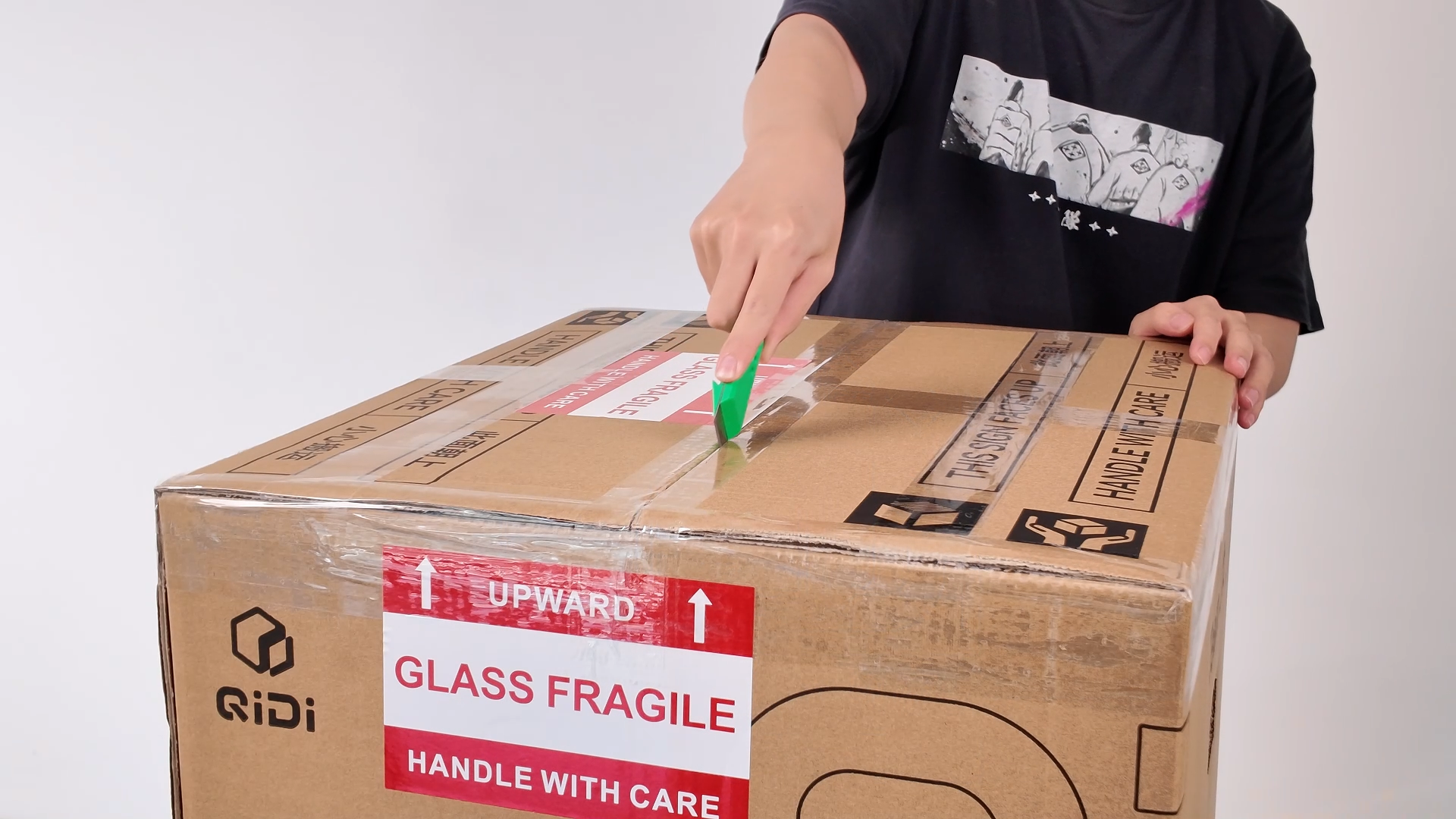
¶ Remove the Top Cover
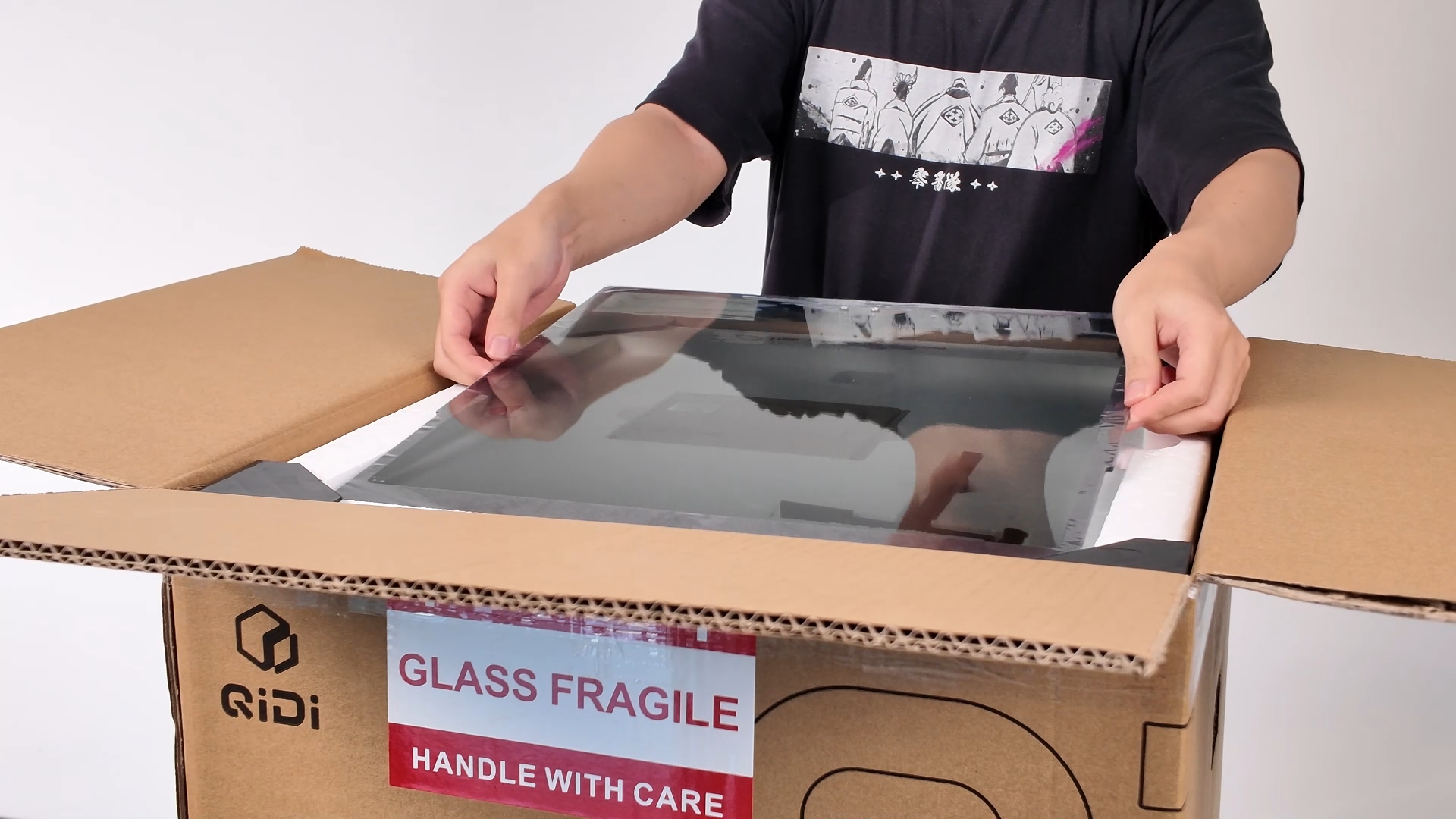
¶ Remove the Foam Box
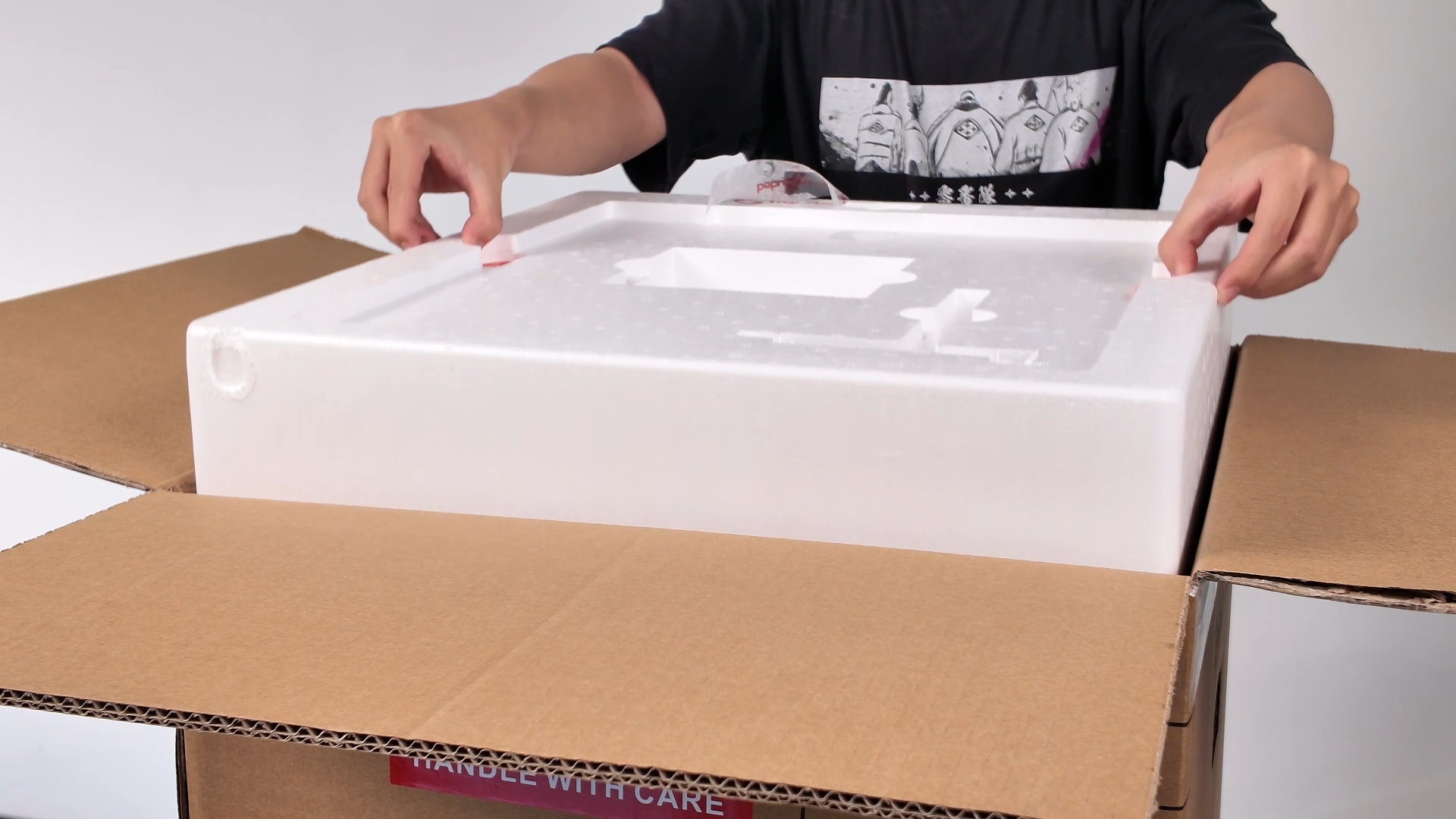
¶ Remove the Main Printer Unit
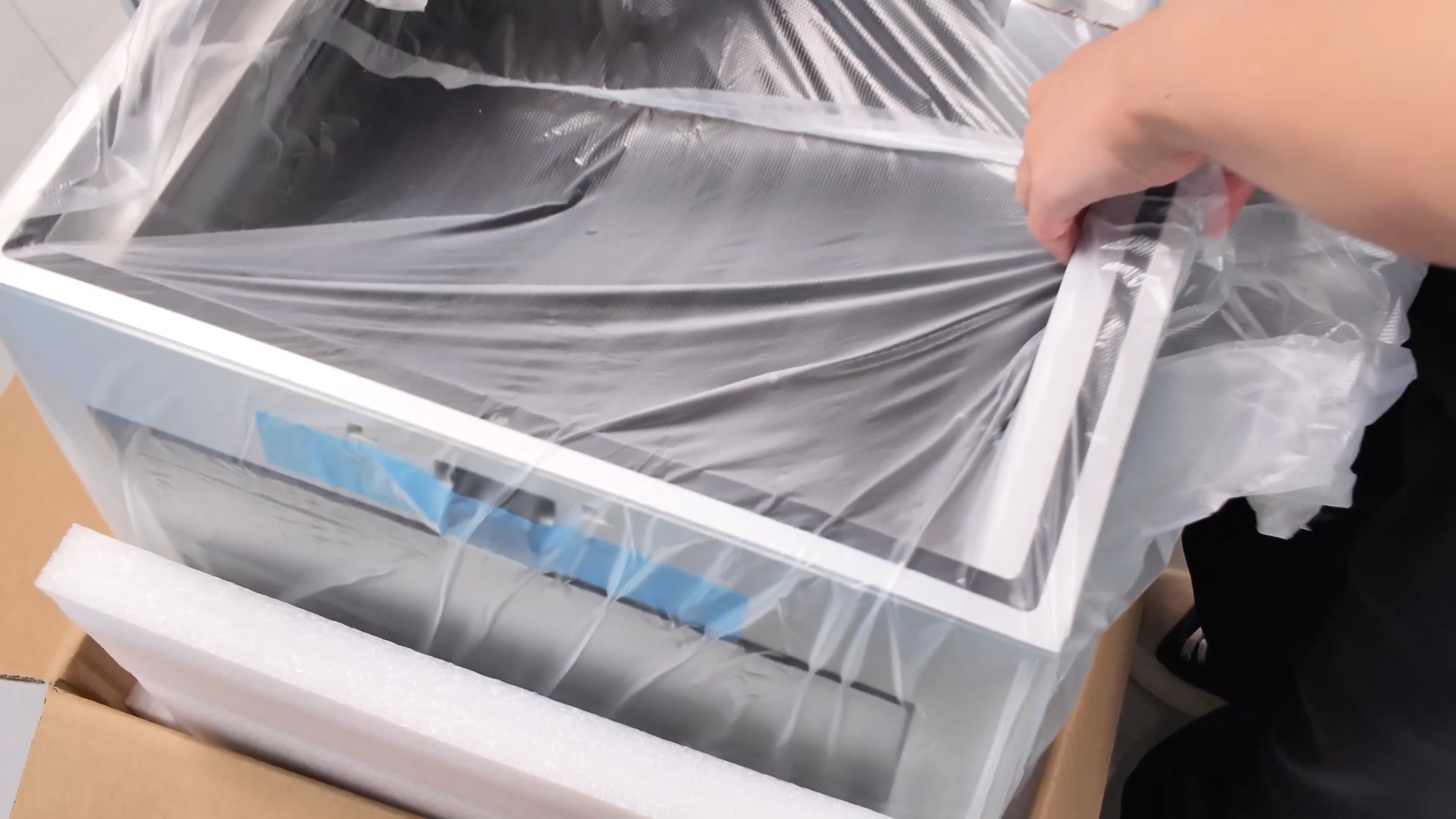
¶ Remove Protective Plastic Packaging
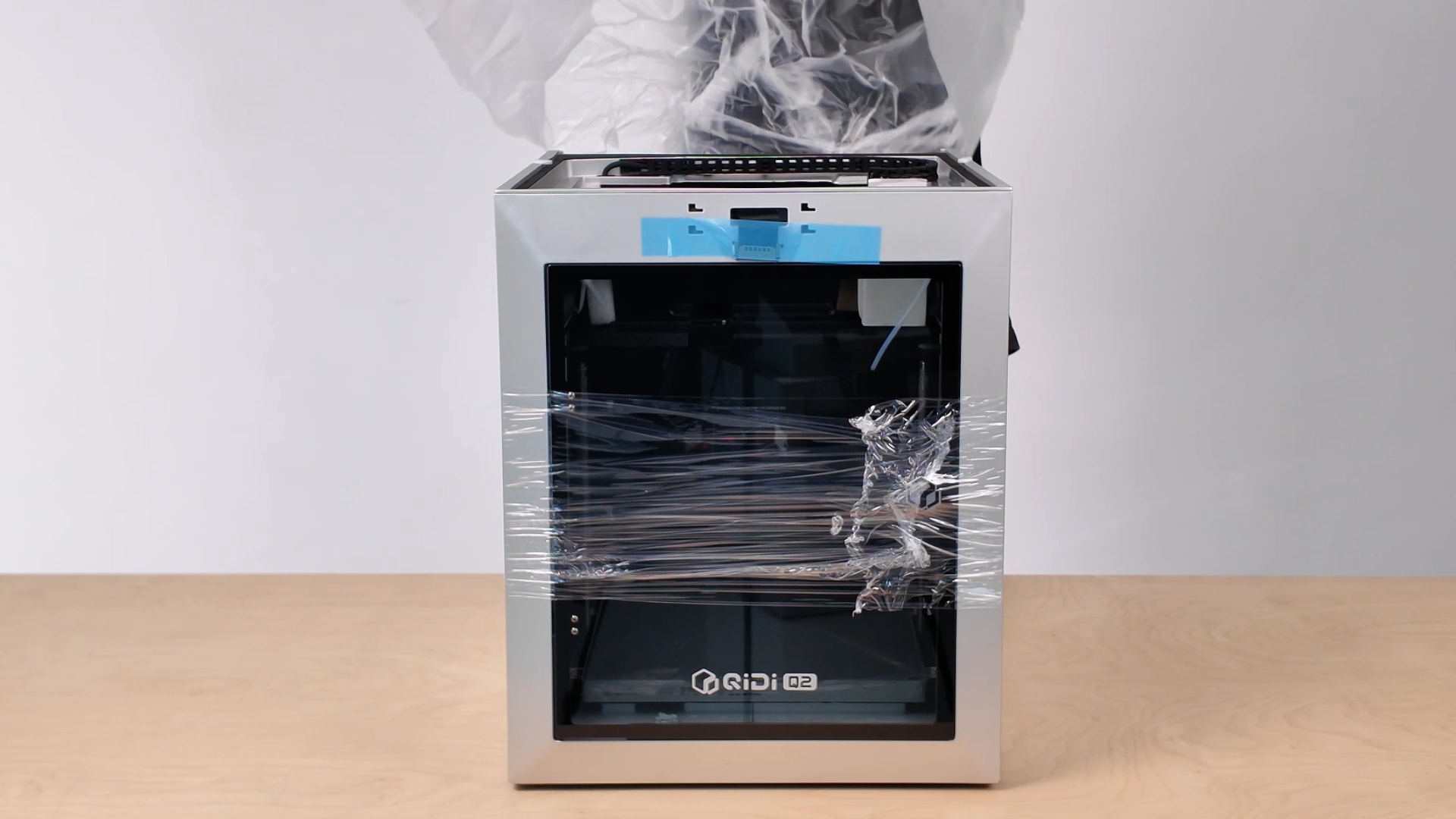
¶ Remove the Touchscreen
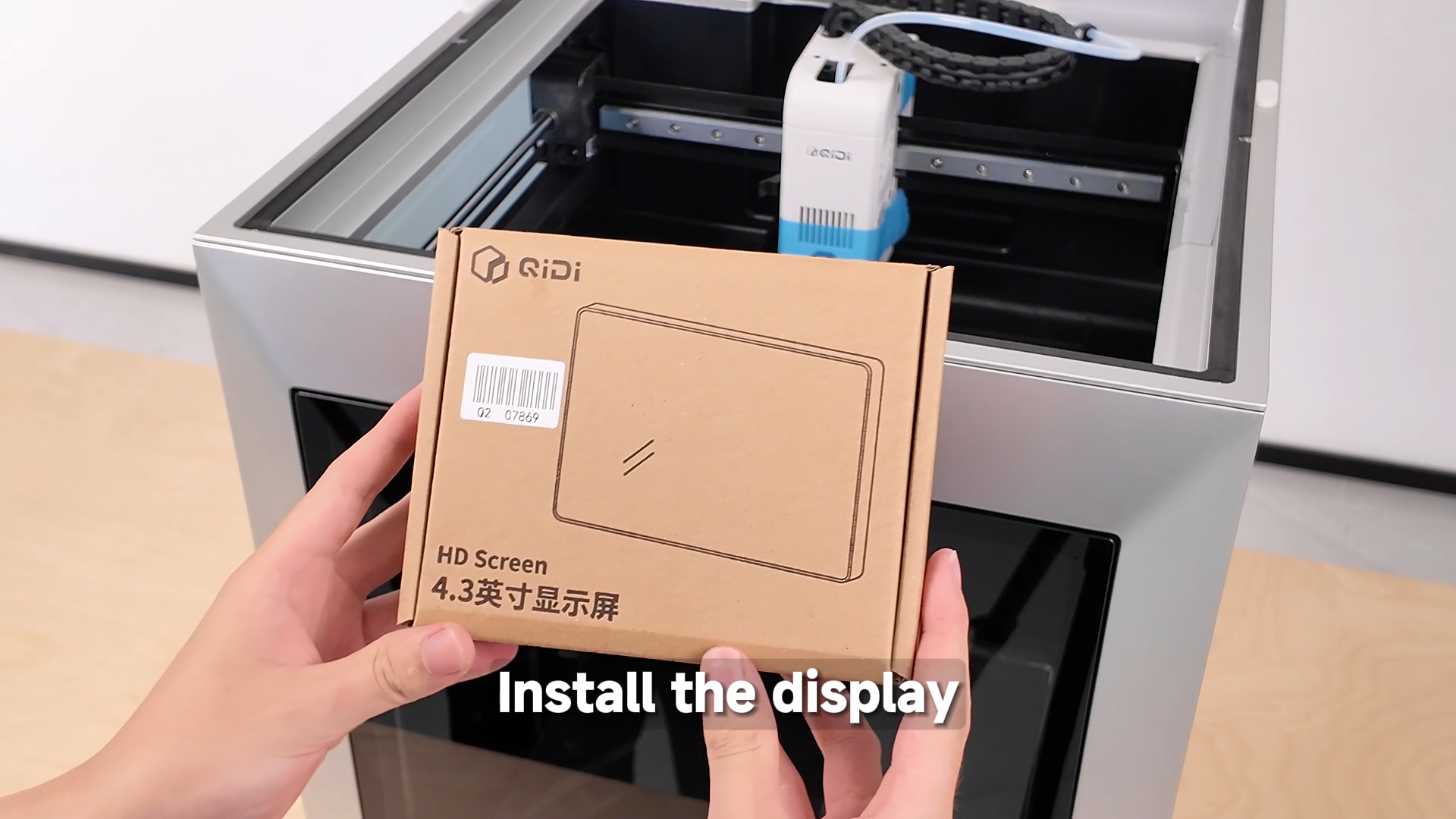
¶ Connect the Cables
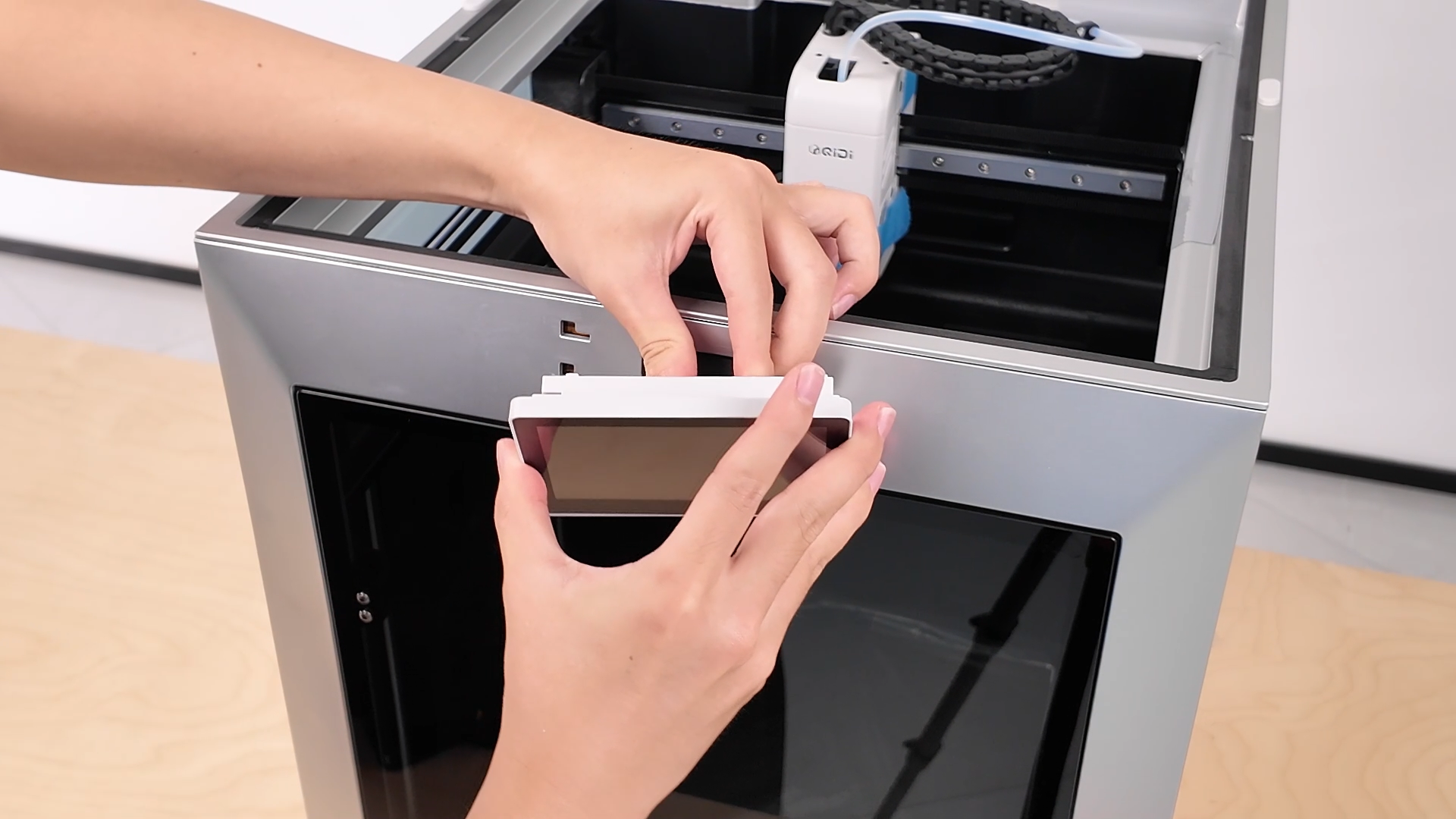
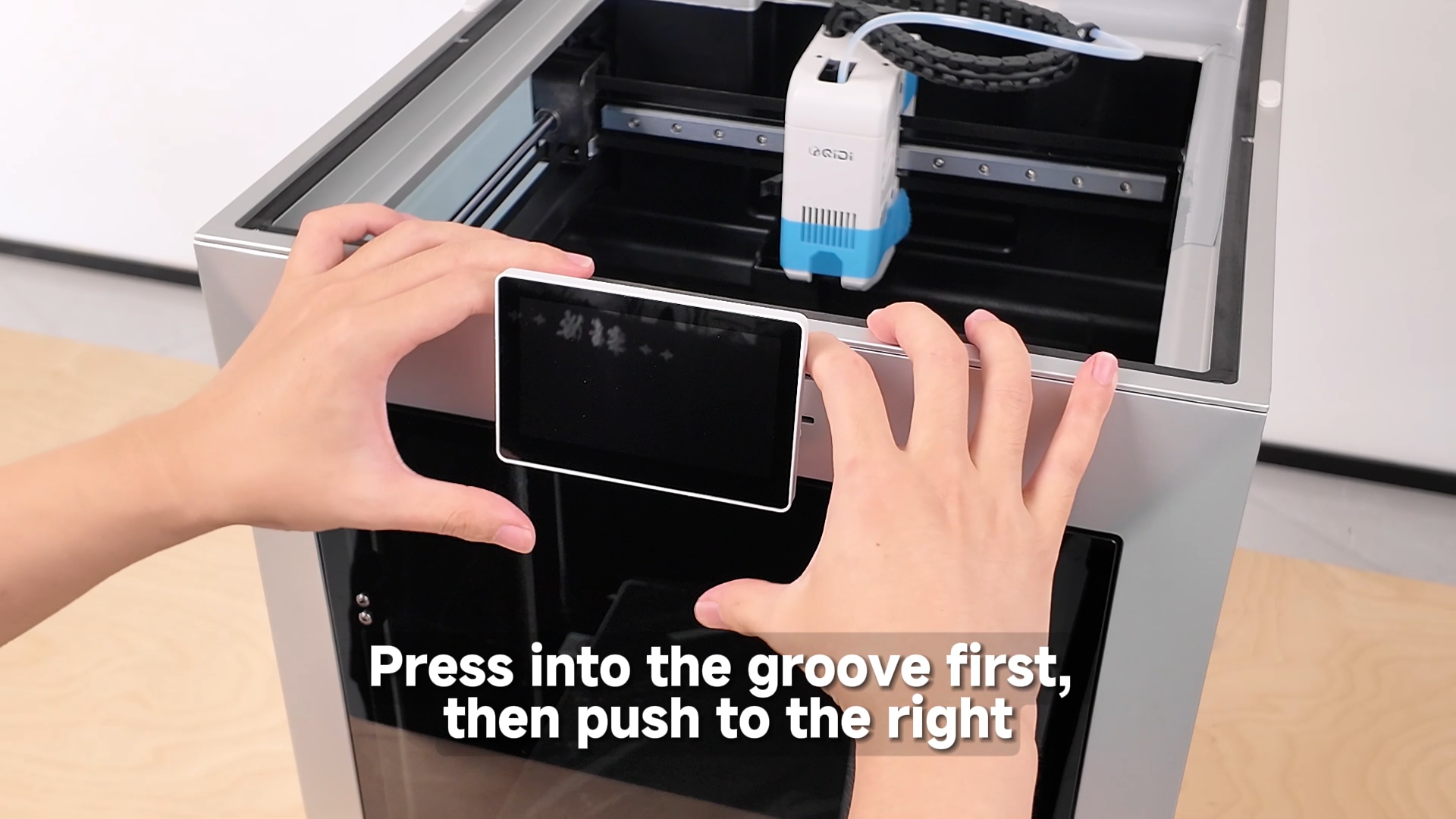
¶ Install the Touchscreen
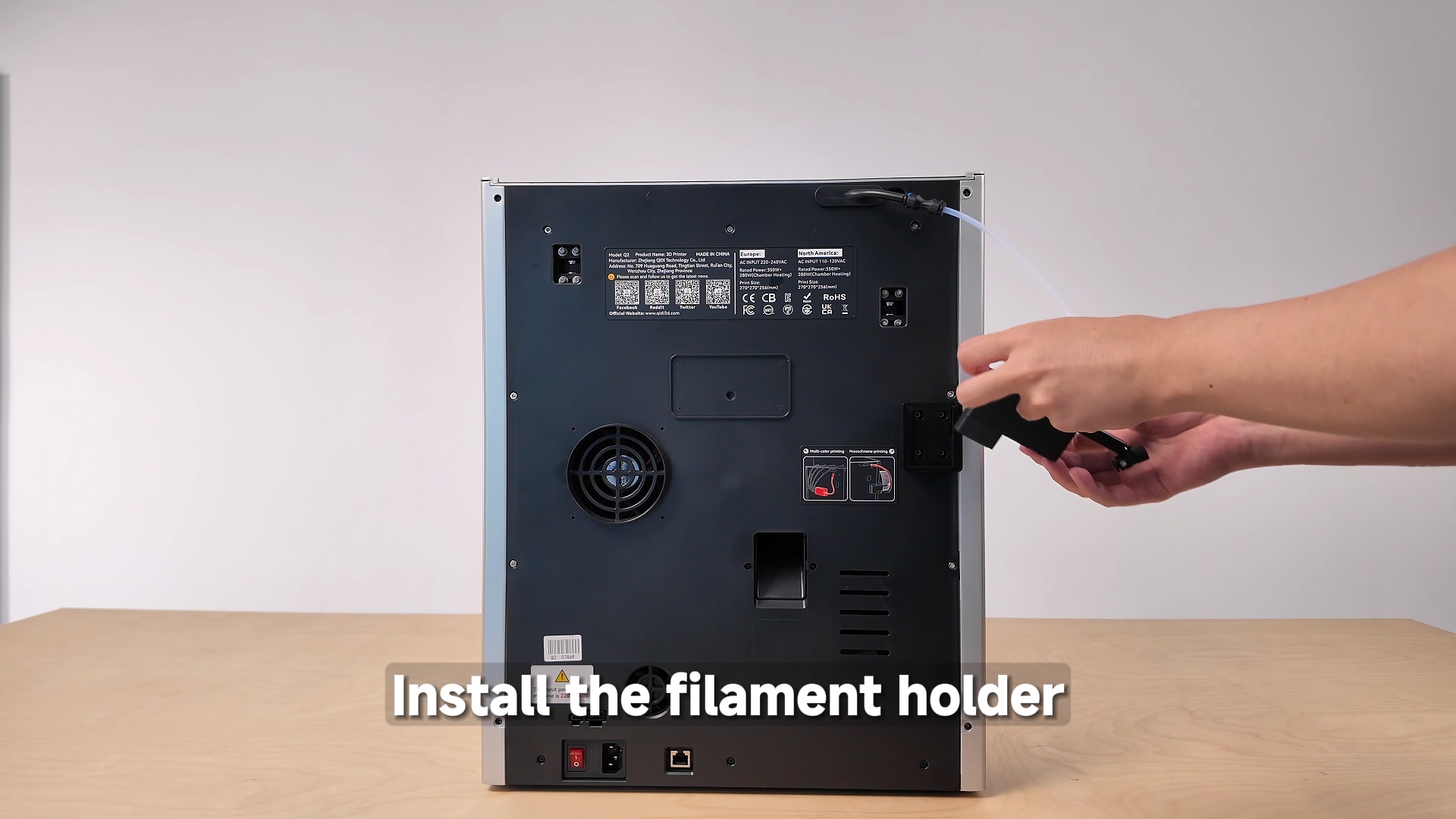
¶ Install the Filament Extension Bracket
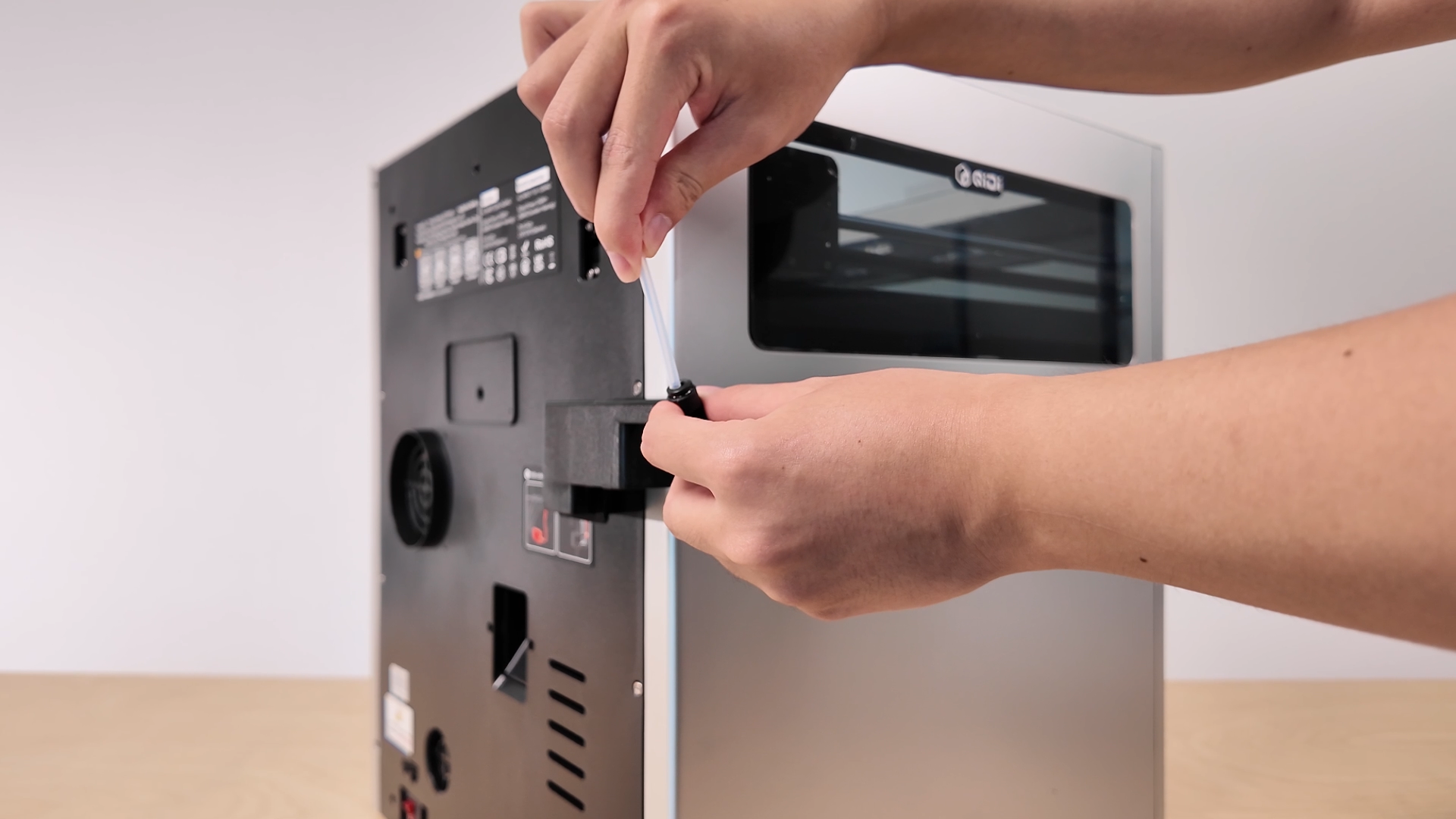
¶ Connect the PTFE Tubes
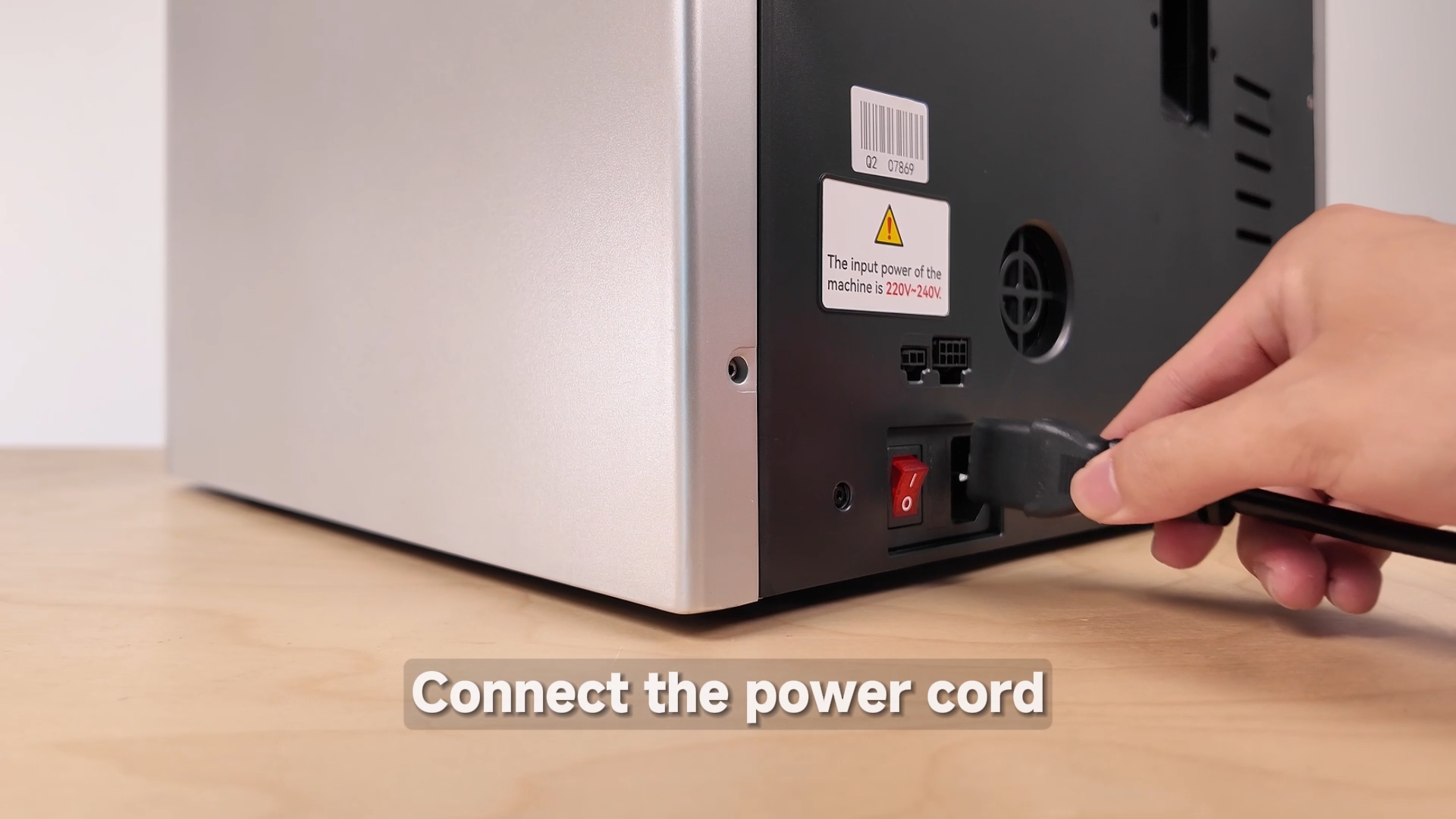
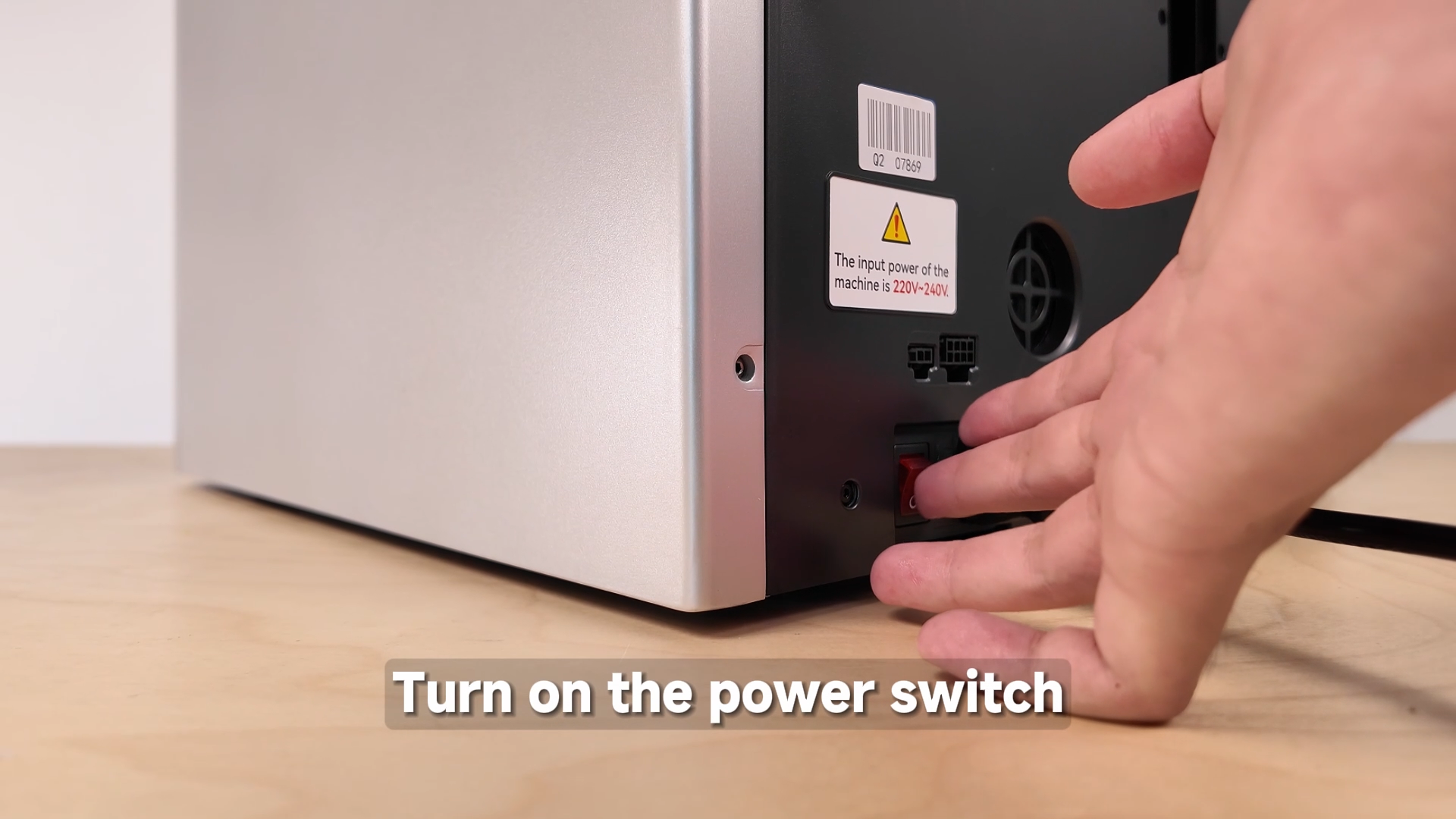
¶ Connect the Power Cable
¶ Power On the Printer
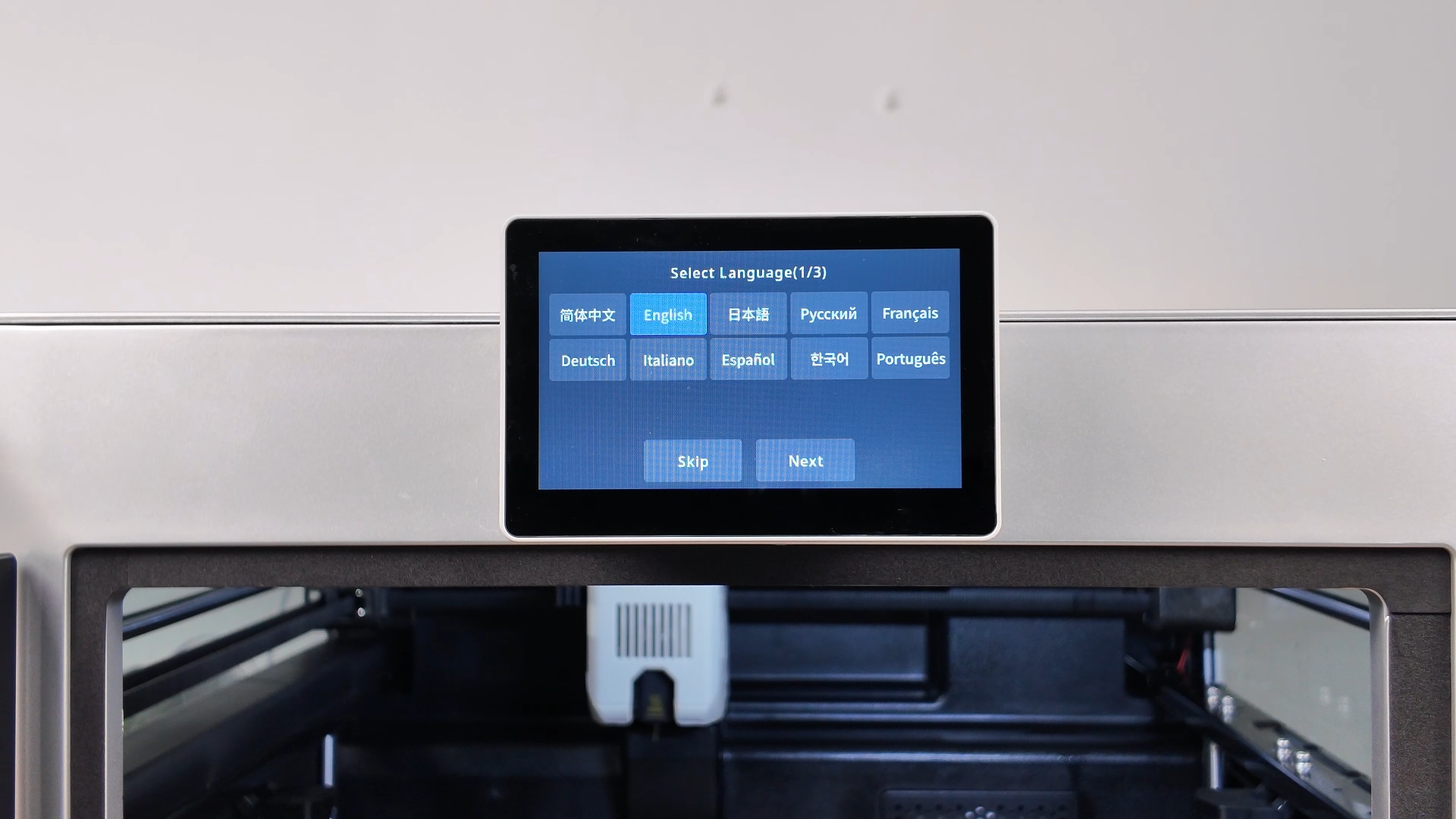
¶ Select the Language
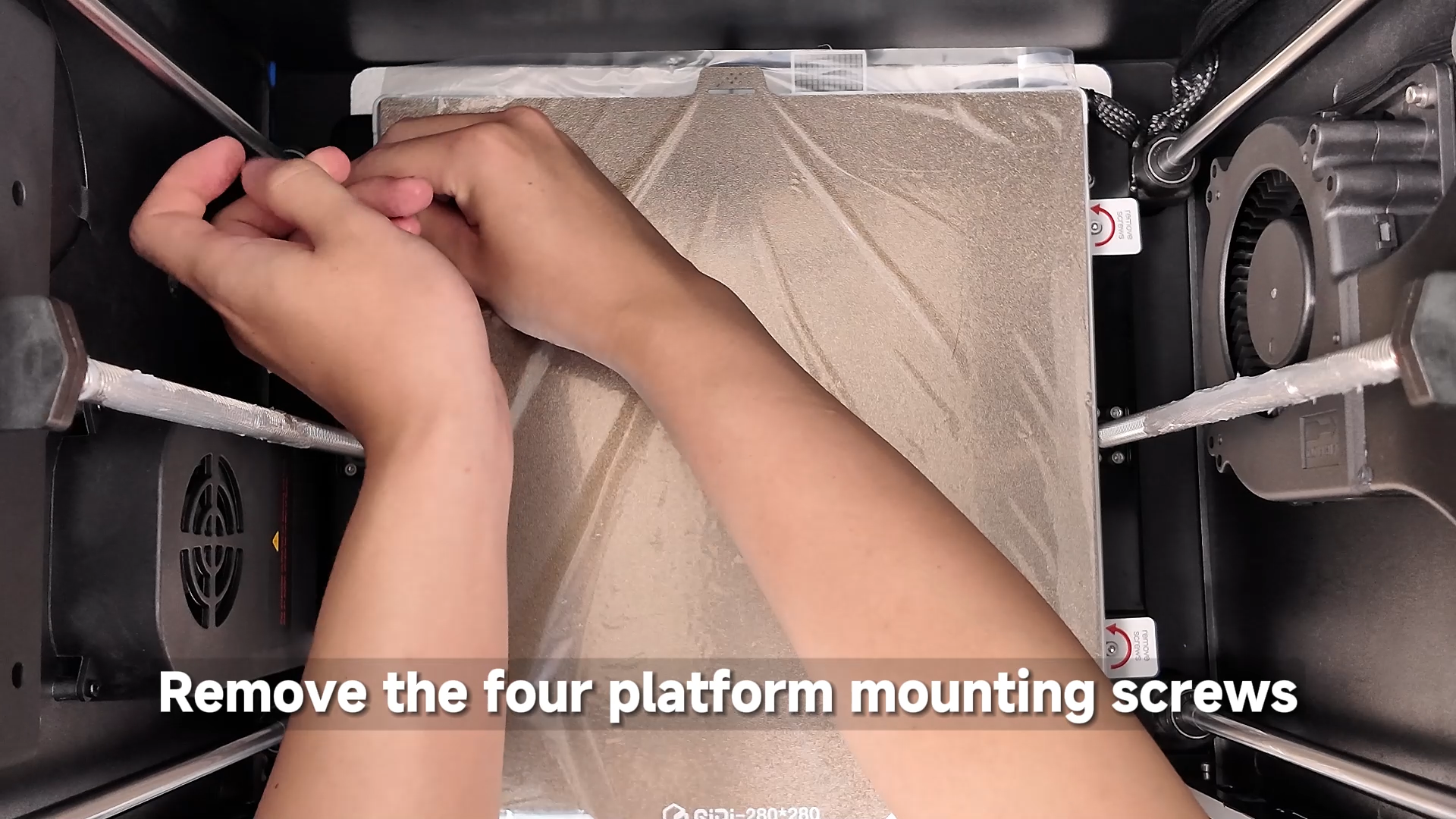
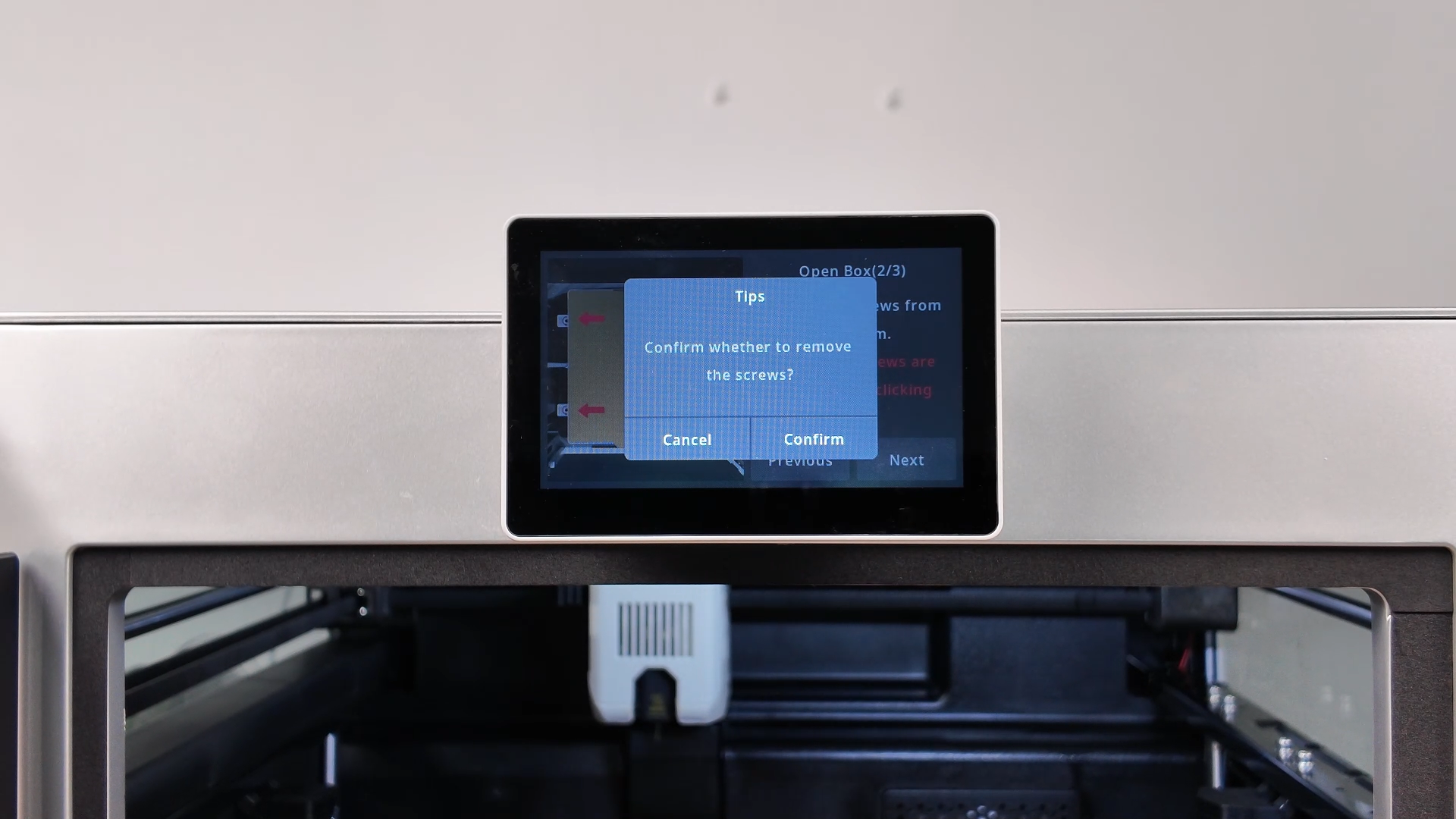
¶ Remove the Screws Securing the Build Plate
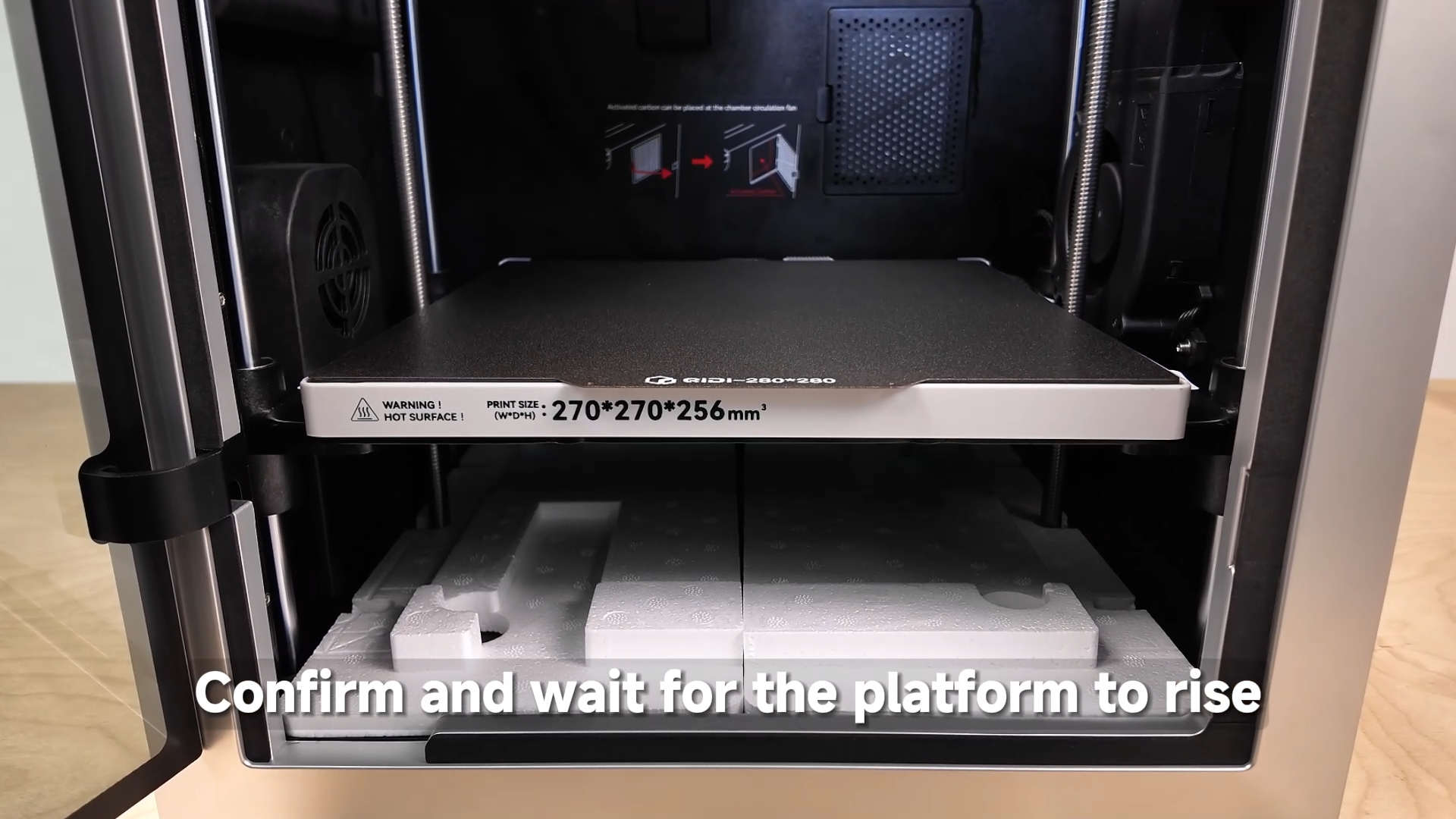
¶ Wait for the Build Plate to Rise and Remove the Foam
¶ Ensure the Build Plate Is Unlocked
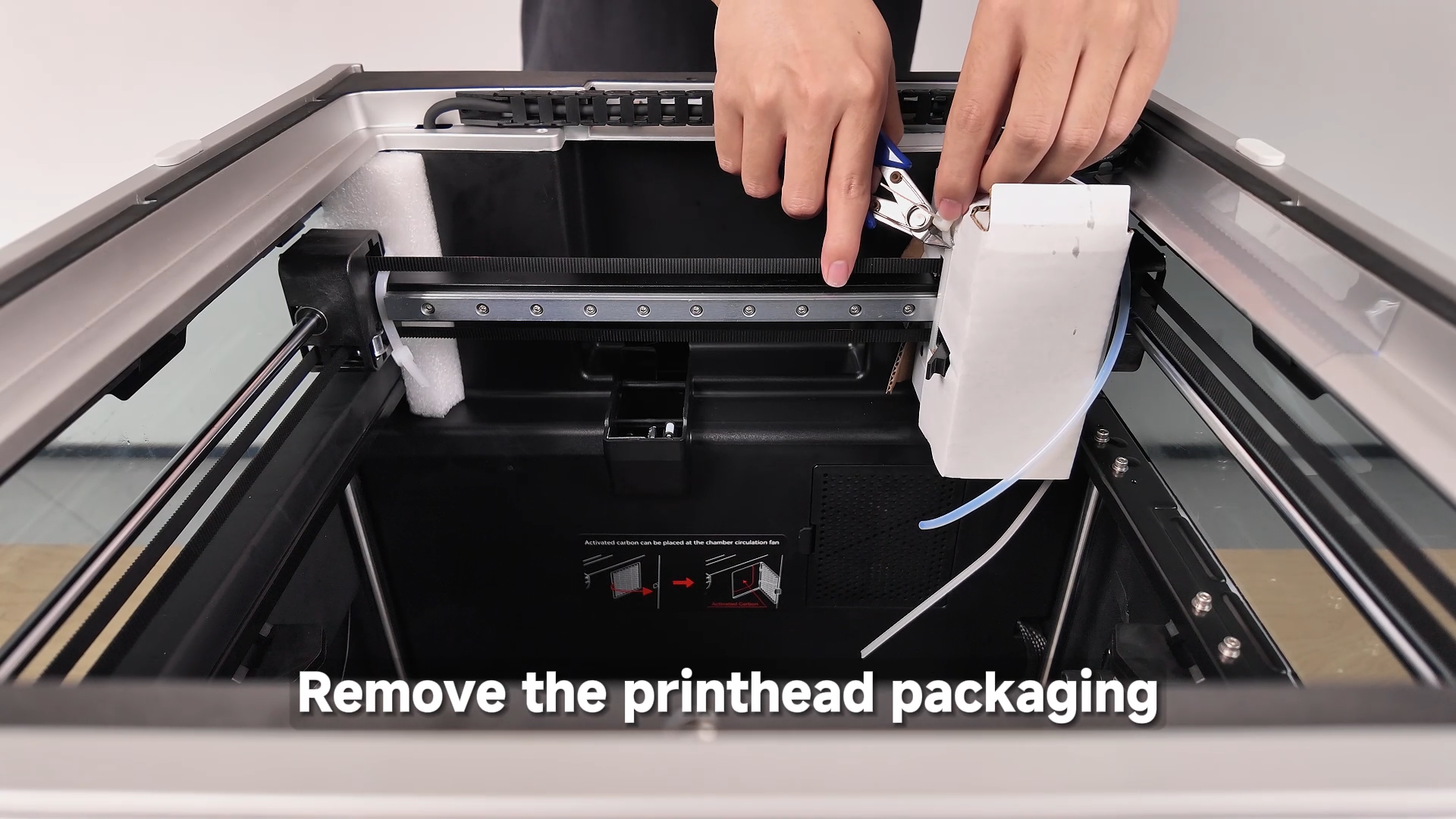
¶ Cut the Zip Ties
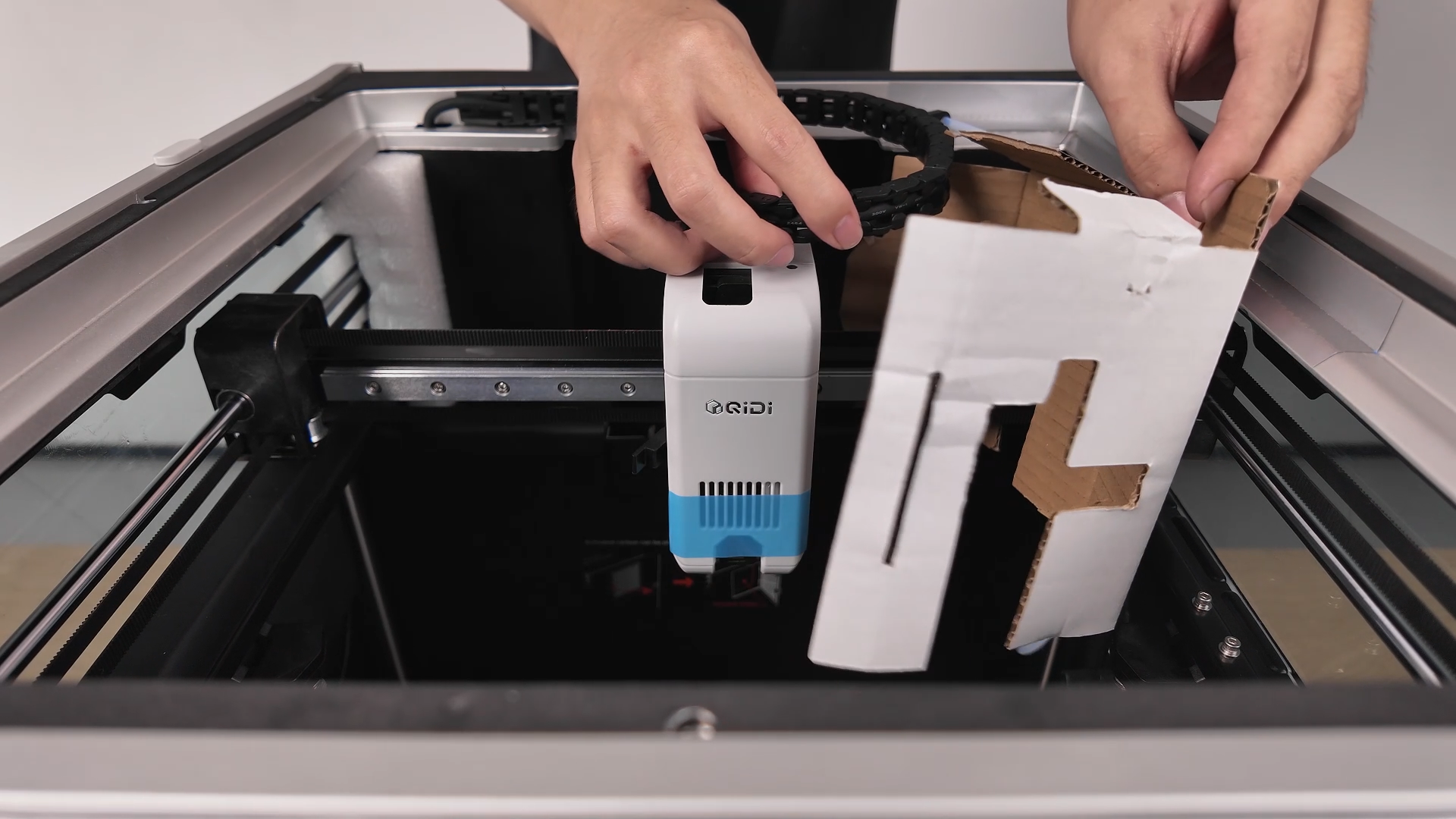
¶ Remove the Cardboard Insert
¶ Remove the Tape
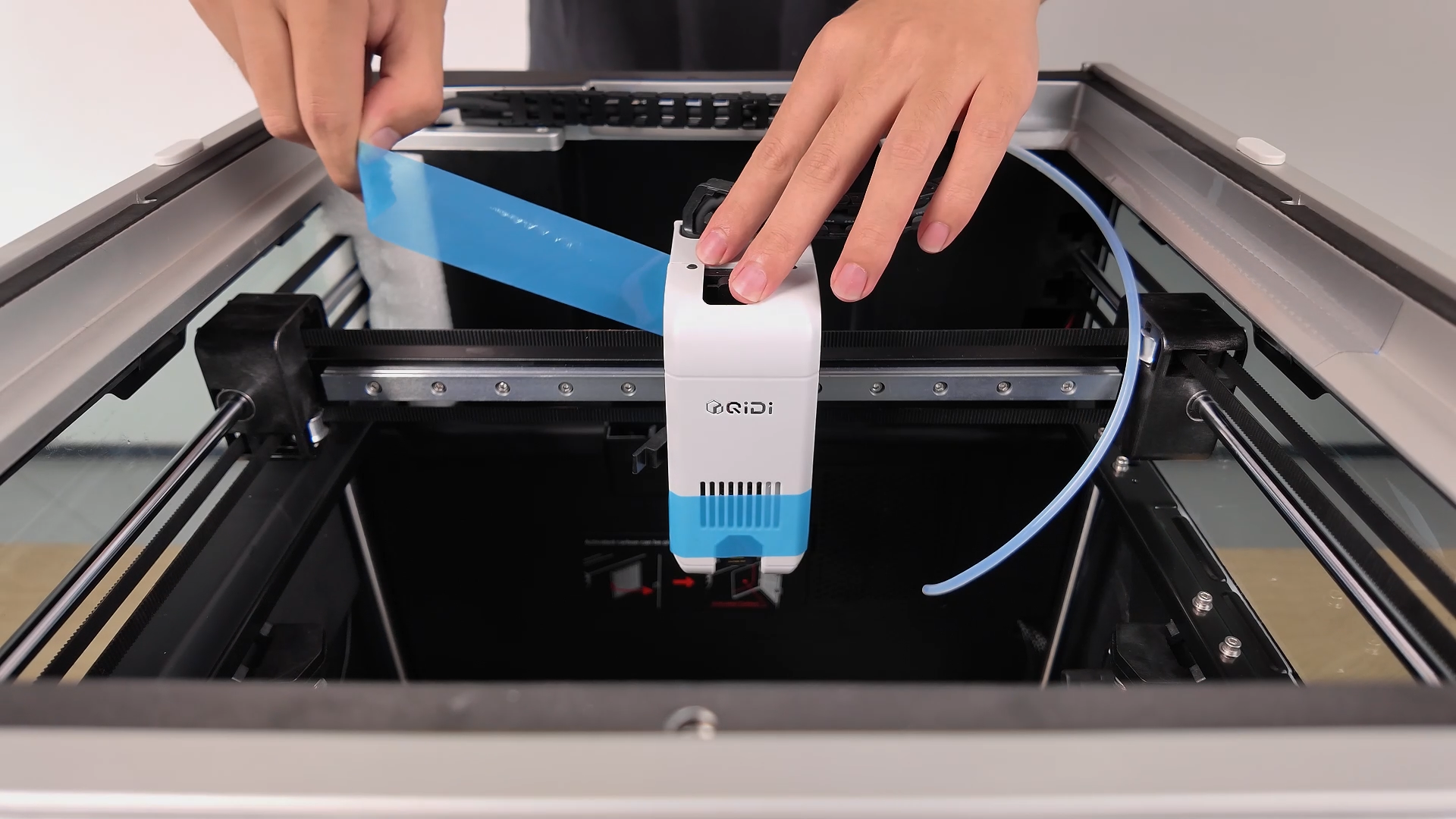
¶ Insert the PTFE Tube
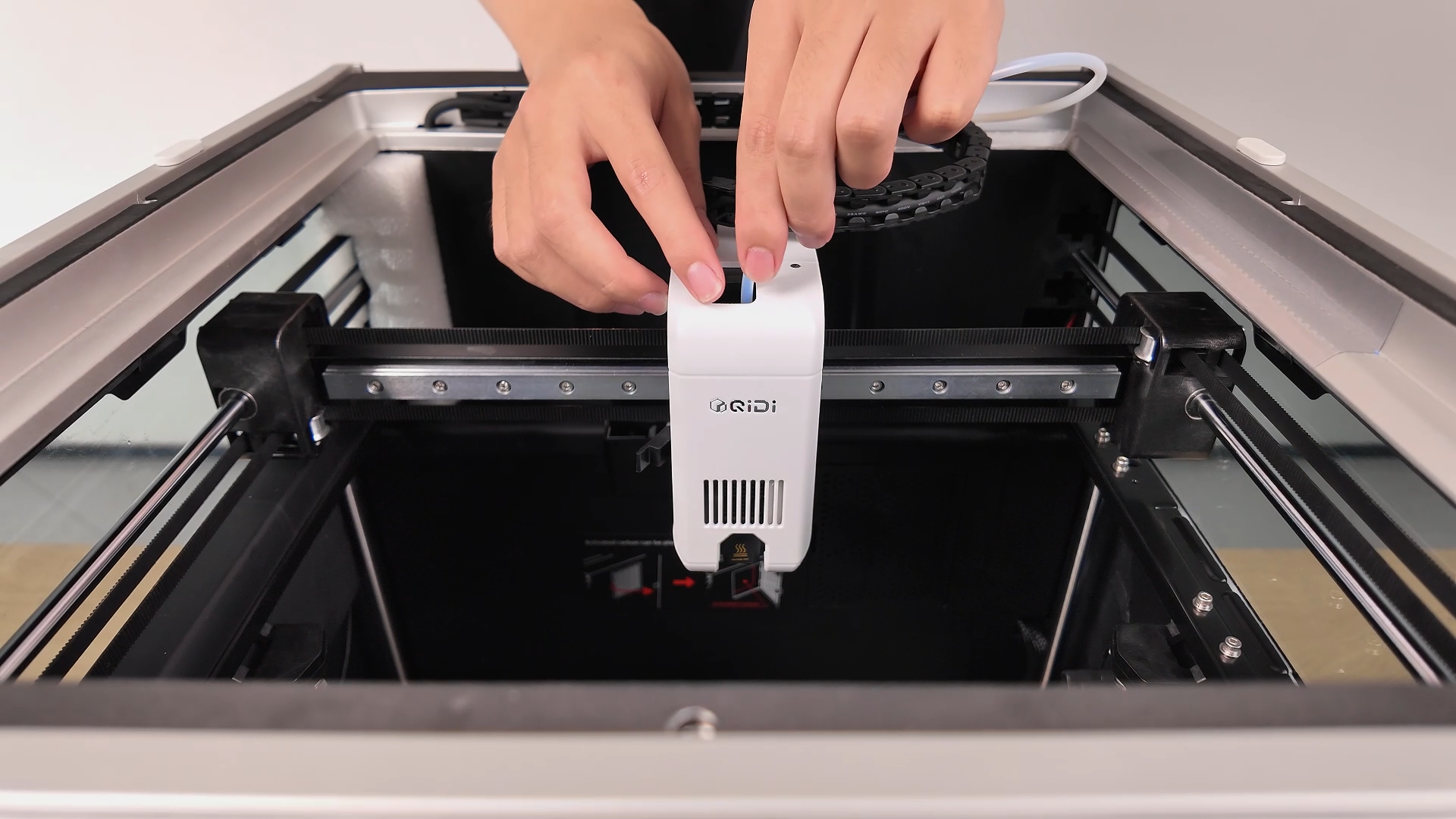
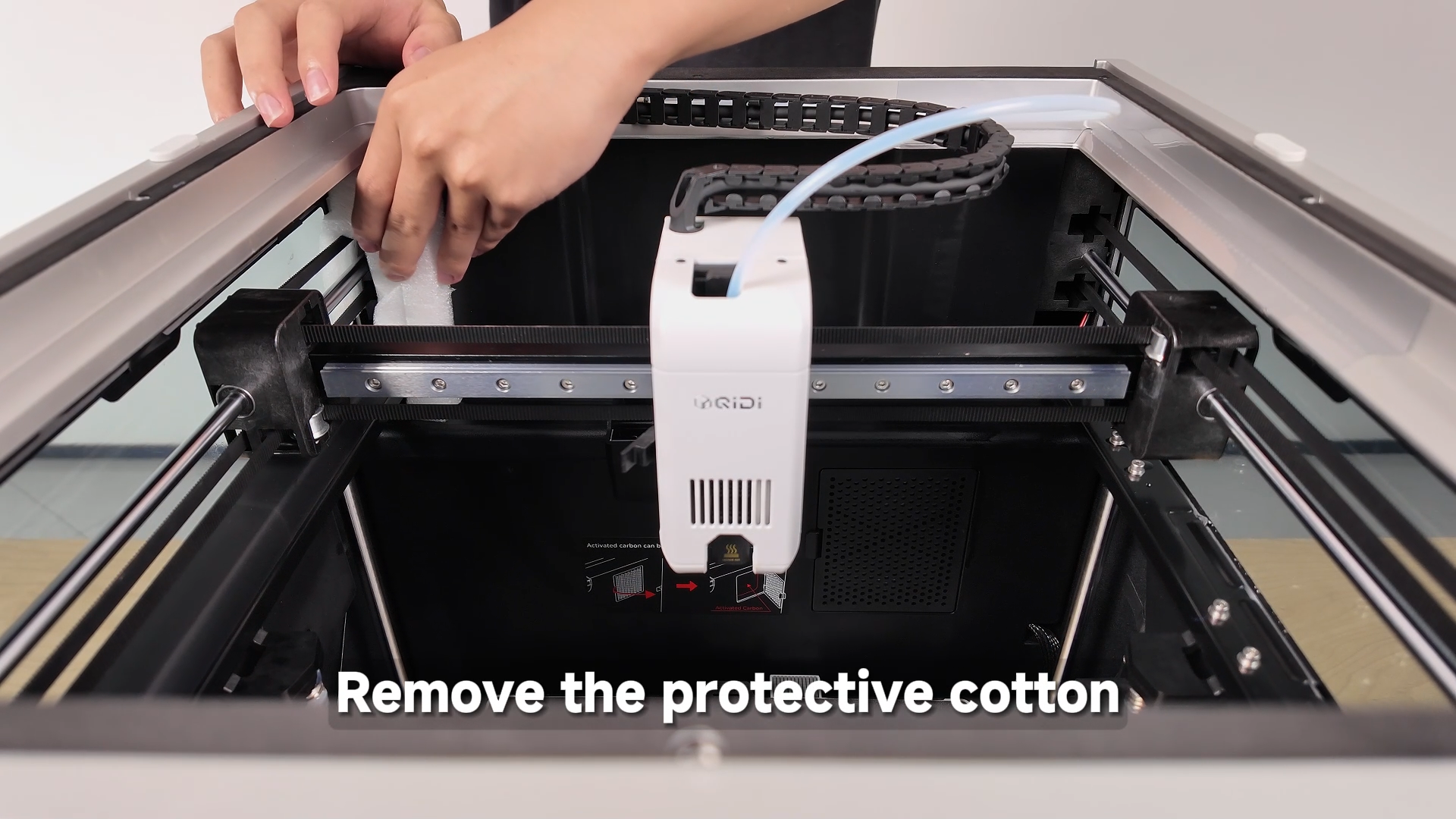
¶ Remove the Remaining Foam
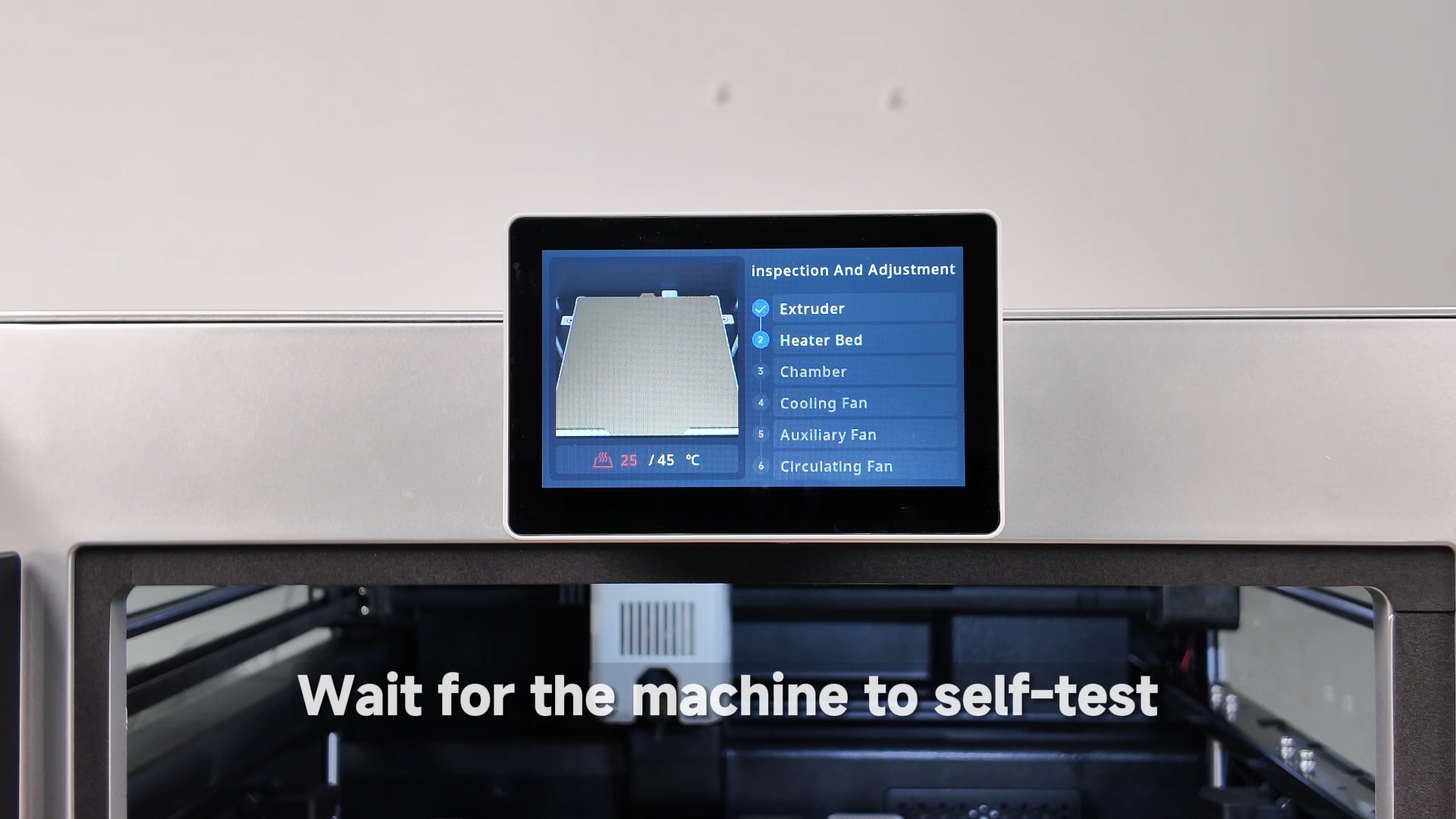
¶ Wait for Power-On Self-Test
¶ Wait for Automatic Bed Leveling
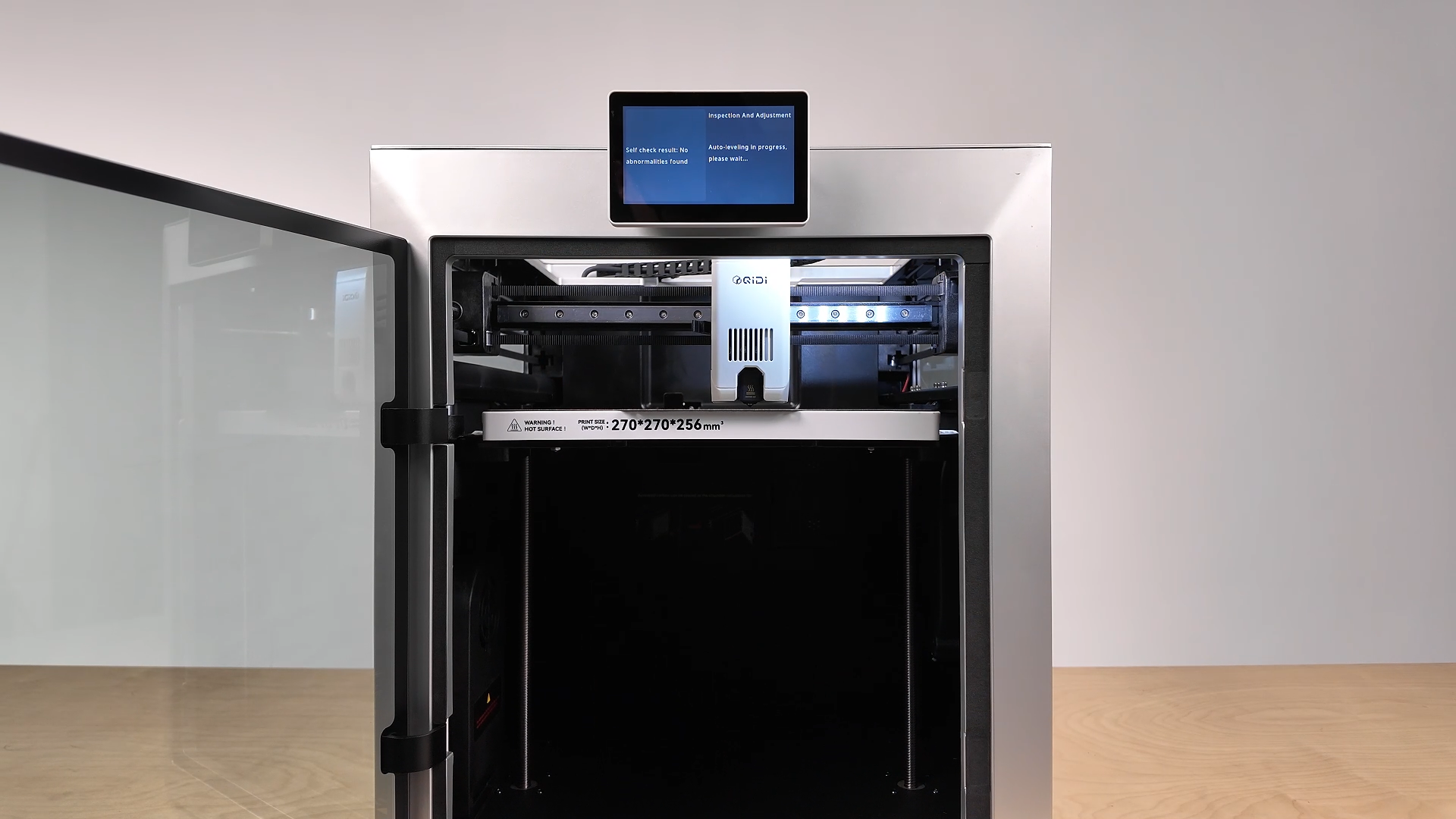
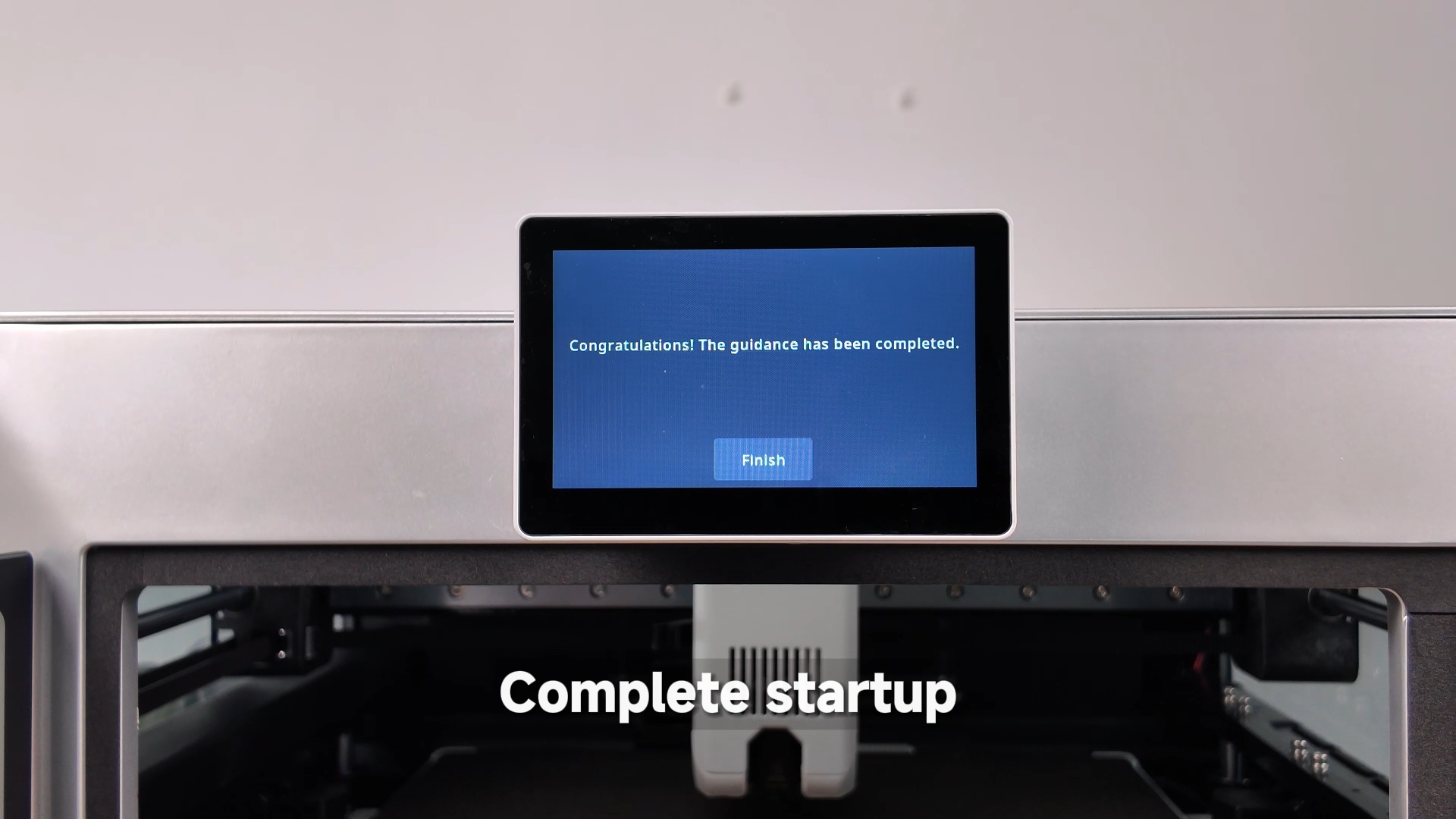
¶ Completion