¶ Description
When using external consumables for printing, the printer recognizes that the consumables are depleted and automatically pauses printing.
¶ Solution
- Remove the old consumable tray.
- Prepare a new consumable tray for printing.
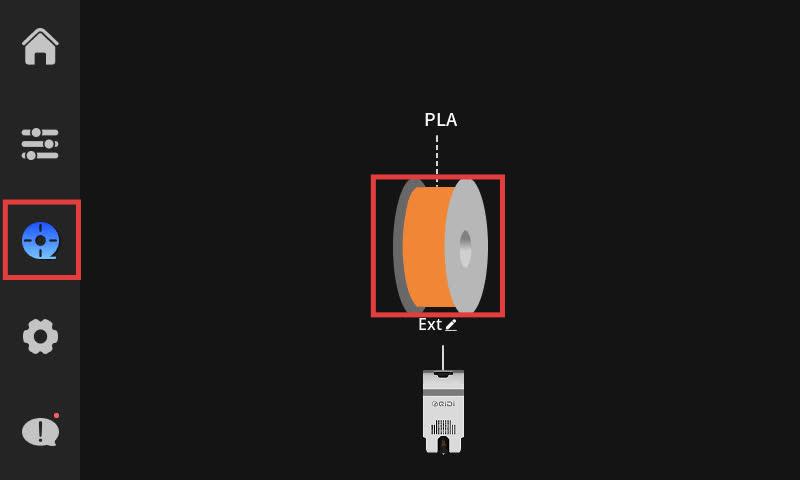
- Select the consumables management page and click on the consumables icon marked with an "ext" logo.
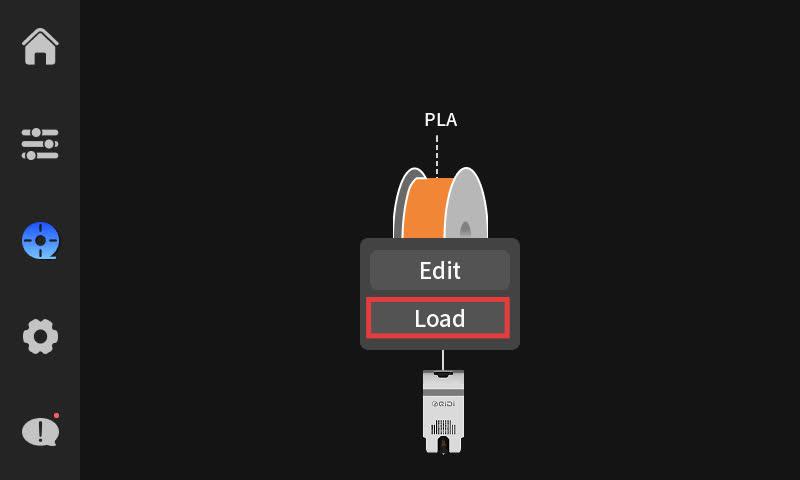
- Click the LOAD button and follow the prompts.