¶ Description
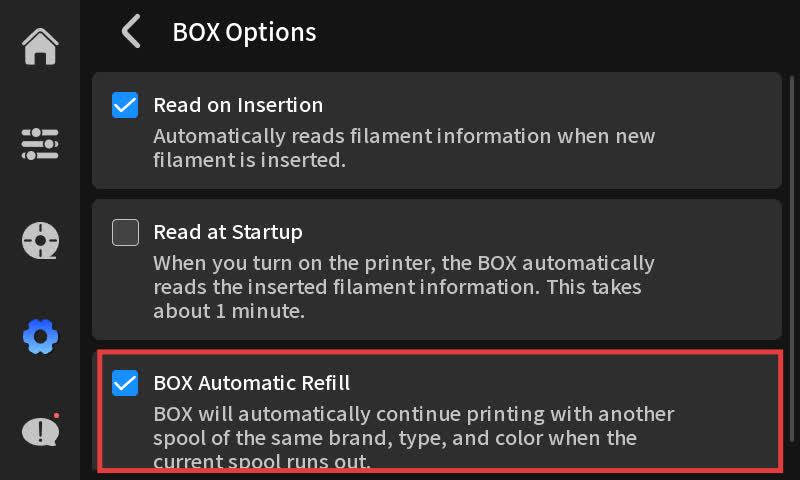
When executing a printing task using QIDI BOX, the BOX consumables are depleted. If the consumables are depleted, please refer to Method 1. If your BOX has another identical consumable available for replenishment, it may be because automatic replenishment is not enabled. Refer to Method 2 to enable it.
¶ Solution
¶ Method 1
Remove the used consumables and install a new consumable tray.
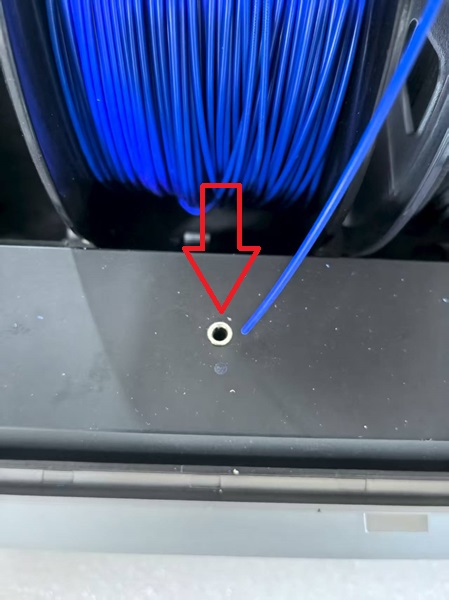
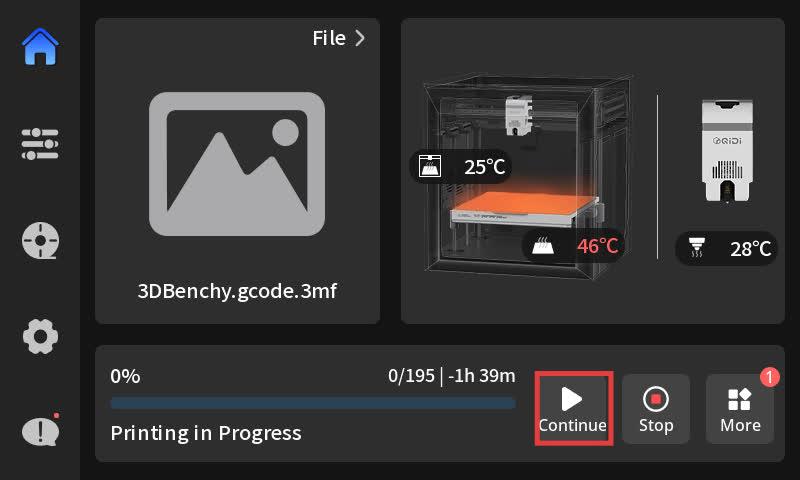
After the consumables are loaded, click "Resume Printing" on the printing page.
¶ Method 2
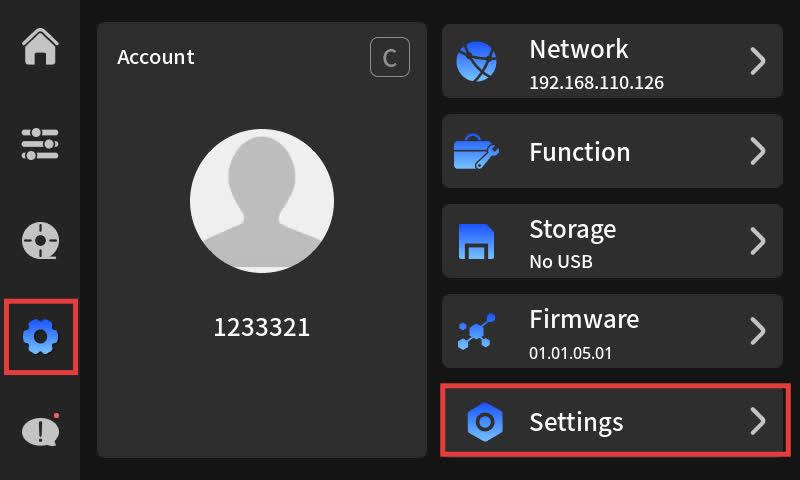
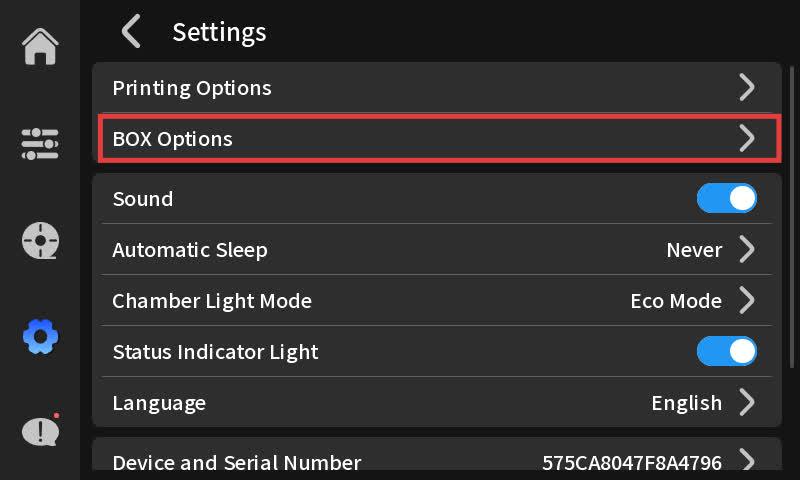
Enable the automatic material replenishment function on the settings page. The prerequisite for successful execution of automatic material replenishment is that the color, type, and manufacturer of the consumables are all the same.