¶ Description
After the printer's foreign object detection is turned on, it will automatically identify whether there is a foreign object on the hotbed before the printing task starts.
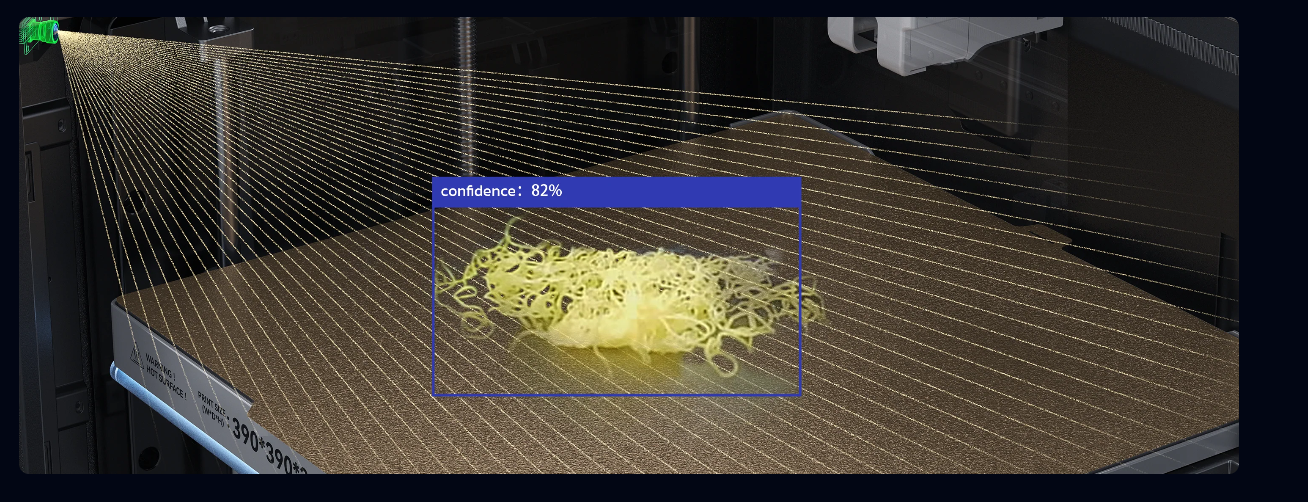
If a foreign object is detected, the printing task will be paused until it is cleared by the user and then resumed. The method to enable foreign object detection is as follows:
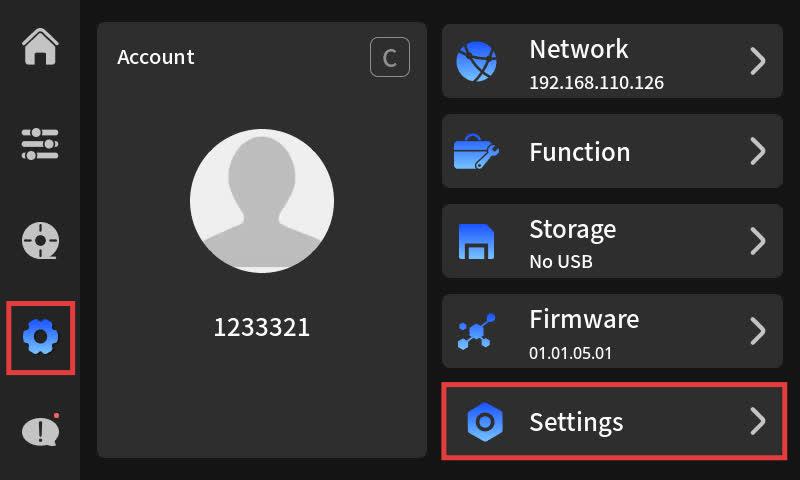
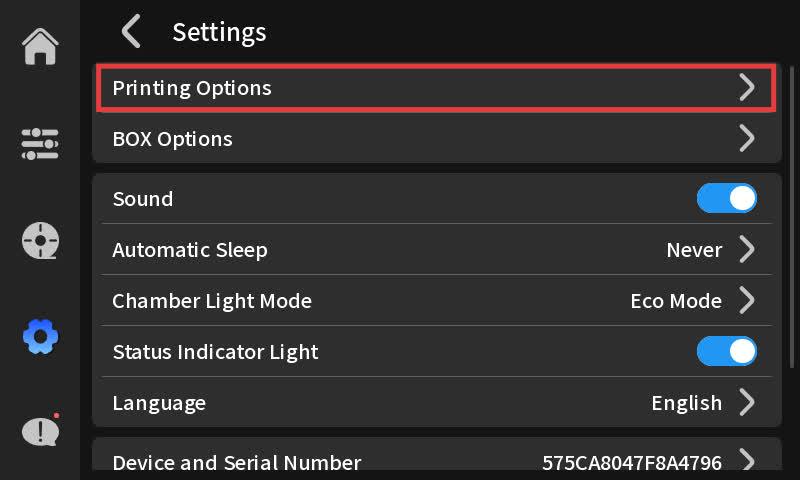
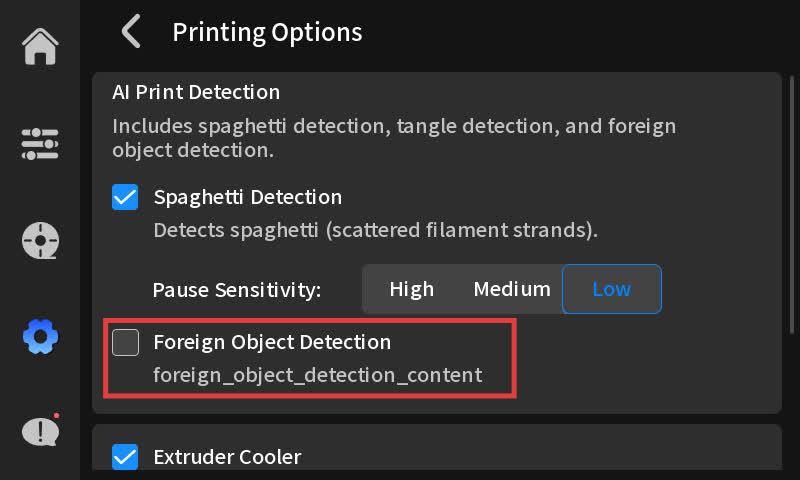
¶ Solution
Foreign object detected on platform.Please clean manually.