¶ Description
When the noodle stir-frying detection function is enabled (requiring the use of a live camera), the device will analyze the video stream in real time and notify the user if it detects a risk of noodle stir-frying failure. The appearance of this alert indicates that the AI believes there may be a noodle stir-frying failure, but the severity is not sufficient to suspend printing. You can check the print quality and choose to continue or cancel the print.
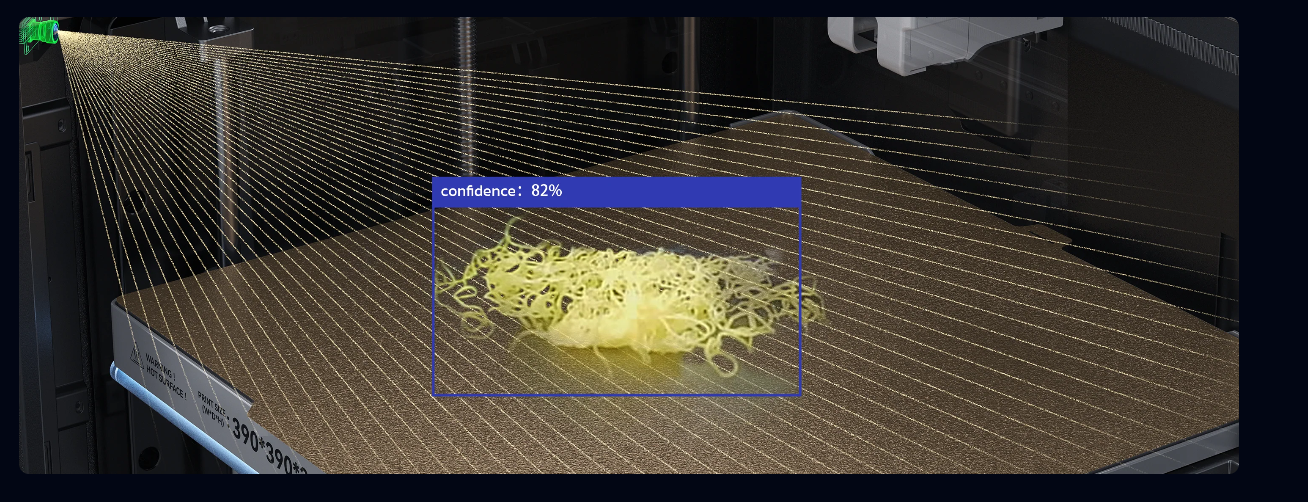
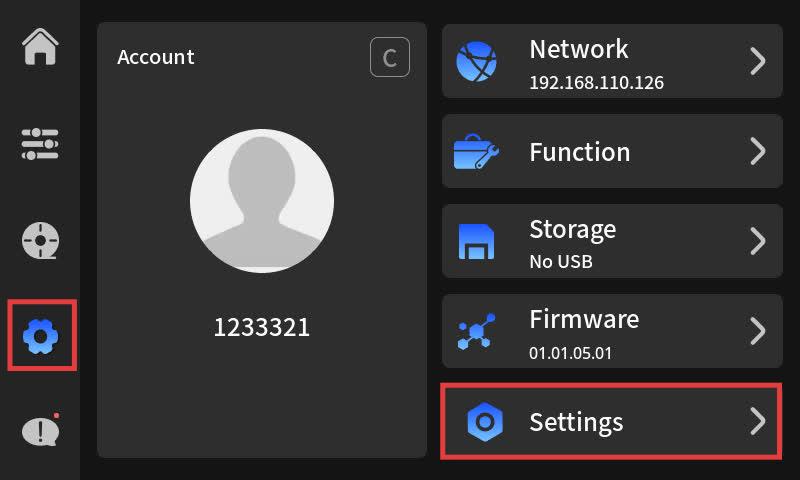
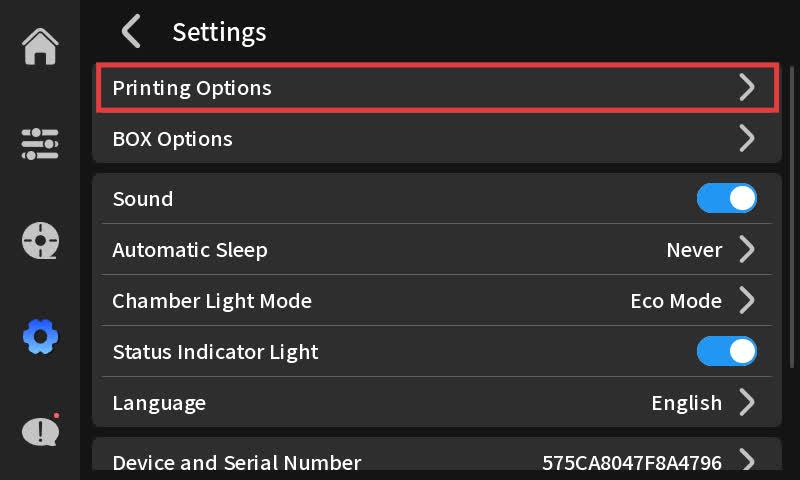
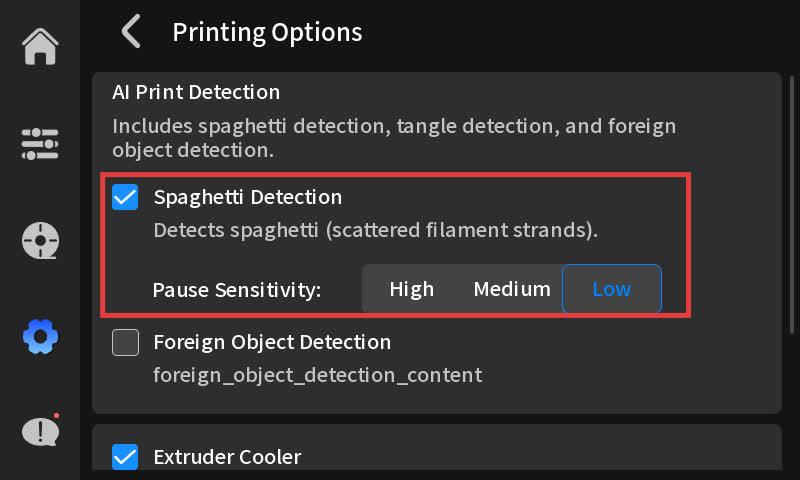
The fried noodle detection function needs to be enabled in the printing options. You can choose {low, medium, high} to adjust the detection sensitivity. If you will be away from the printer for a relatively long time (such as overnight), you can set the sensitivity to low, so that the printing will not be frequently paused due to small defects.
¶ Solution
¶ Step 1. Check the print quality and decide whether to stop printing.
- If it is confirmed that there has been a case of stir-frying, please stop printing and clean up.
- If there are only some parts in the dish for fried noodles, try the part skipping function in step 2.
- The false alarm caused by the internal fill pattern of the printout can be ignored by the user.
¶ Step 2. Select "Skip" for the part.
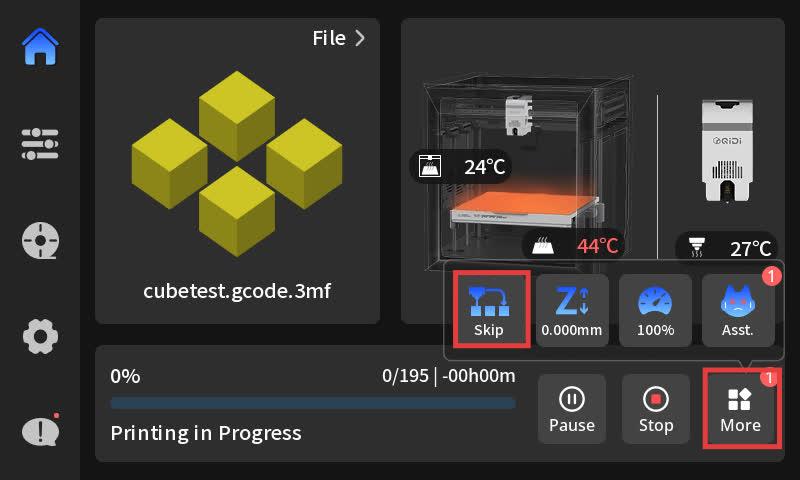
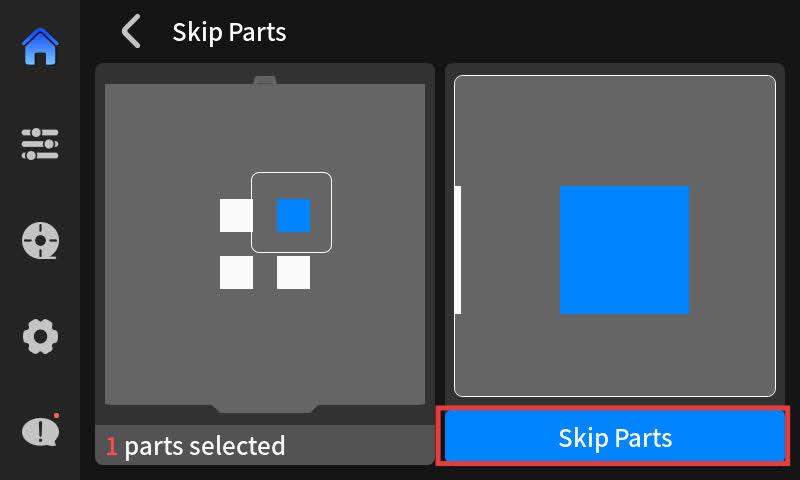
If there are only some parts of the fried noodles in a plate, you can try the "skip parts" function. When using it, we recommend that you clean up the parts of the fried noodles in the plate before continuing with the printing to avoid the fried noodle parts affecting other parts. You can access the skip parts function from the following entry.