¶ How to Resolve Filament Clogs — X-Plus 4
Filament clogs may occur in either:
- The extruder assembly
- The hotend assembly
Follow the appropriate procedure below.
¶ Method 1 — Clean the Extruder
¶ Step 1 — Cut the filament
Use a filament cutter to cut the filament above the extruder.
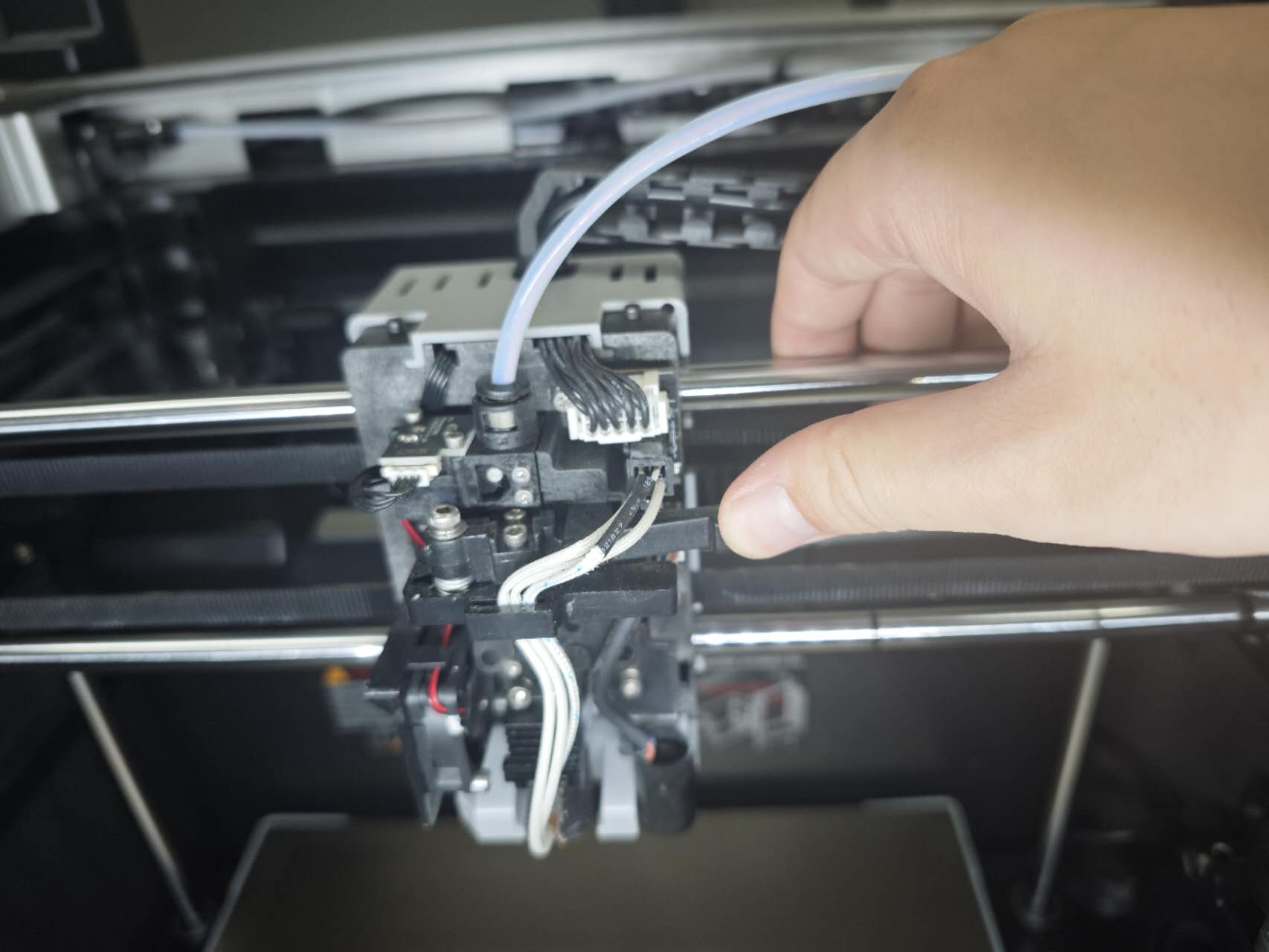
¶ Step 2 — Remove the hotend mounting screws
Unscrew the two screws securing the hotend.
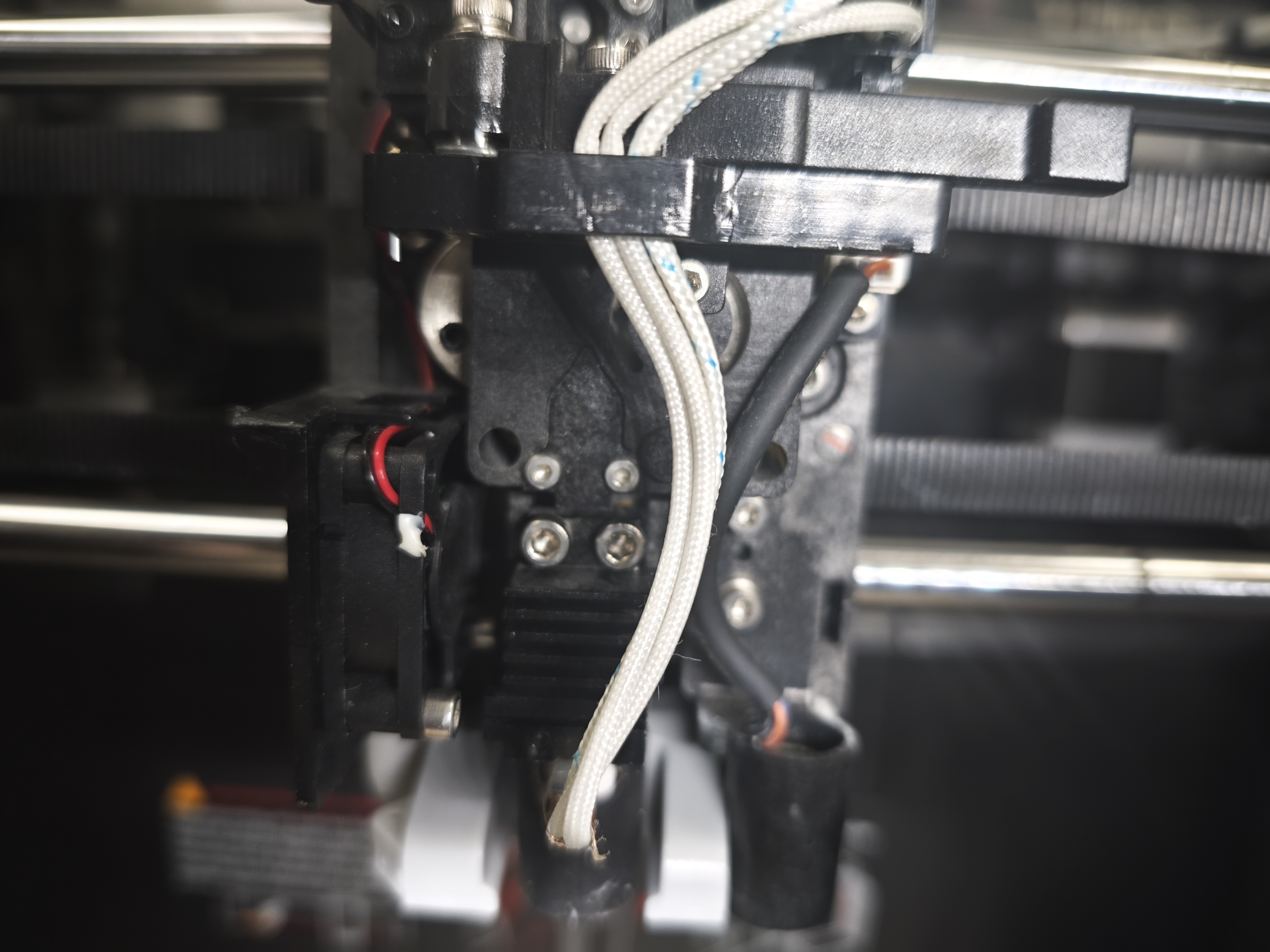
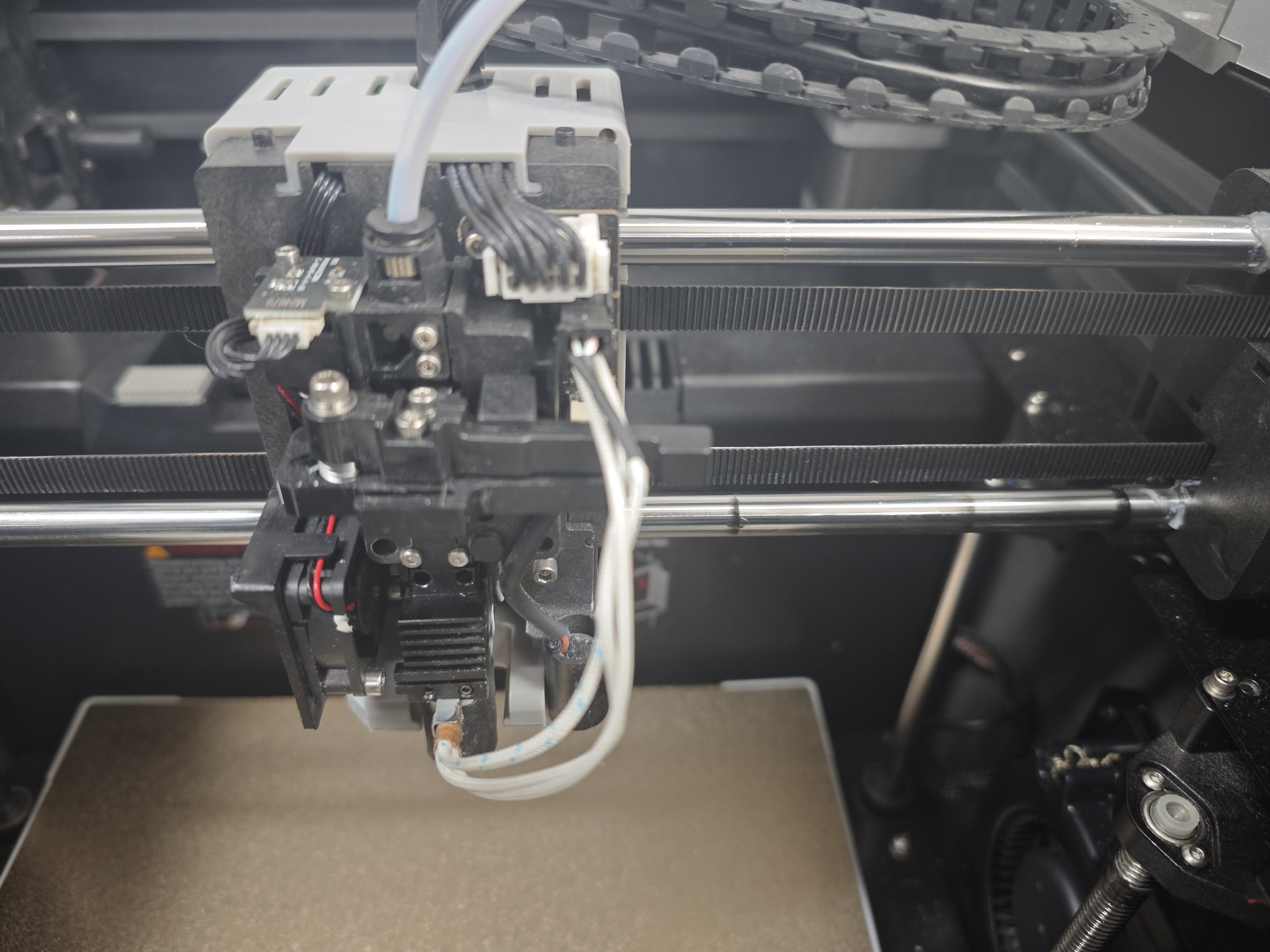
¶ Step 3 — Remove the hotend
Remove the hotend cable from the routing groove.
Carefully remove the hotend assembly.
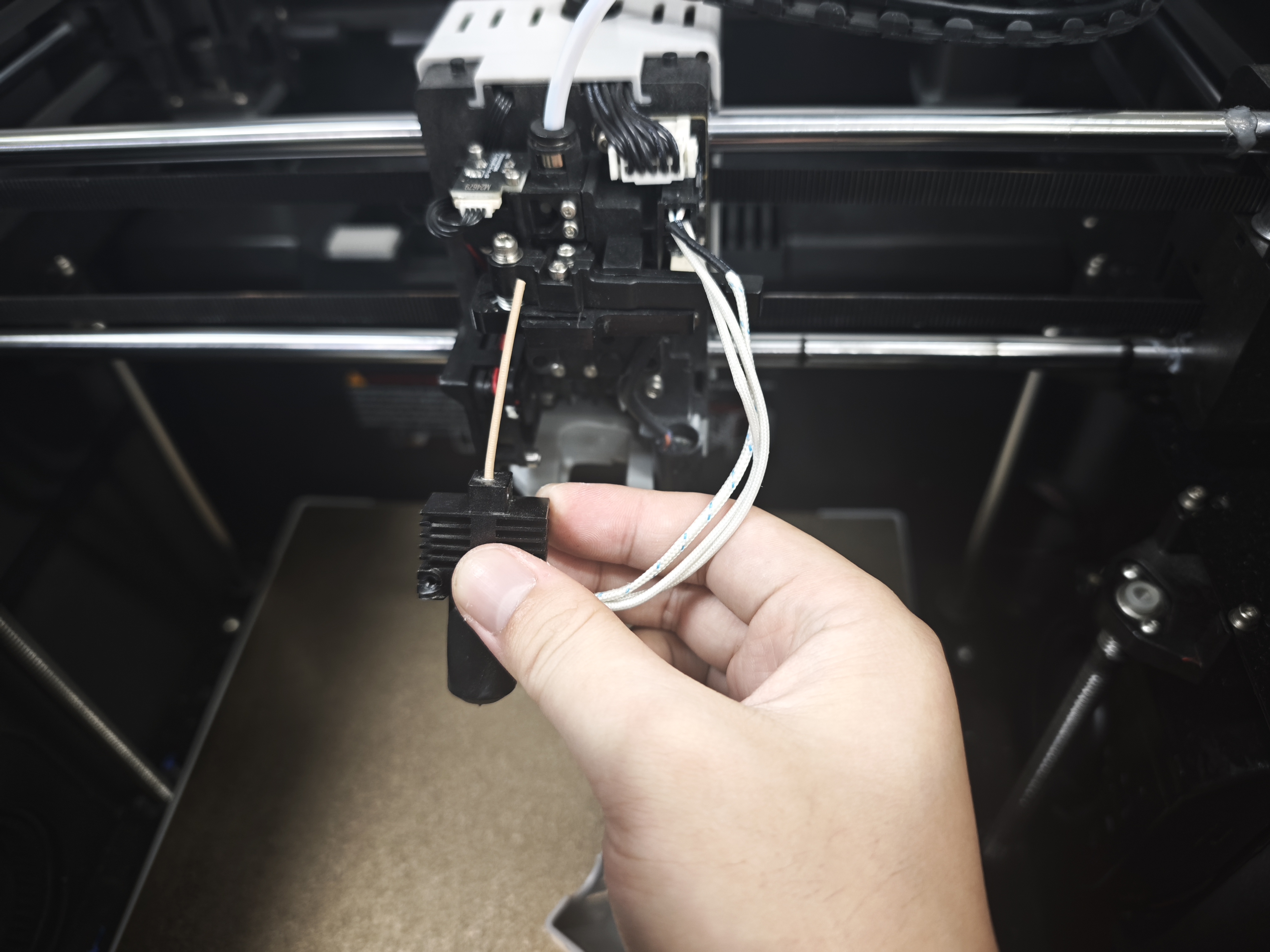
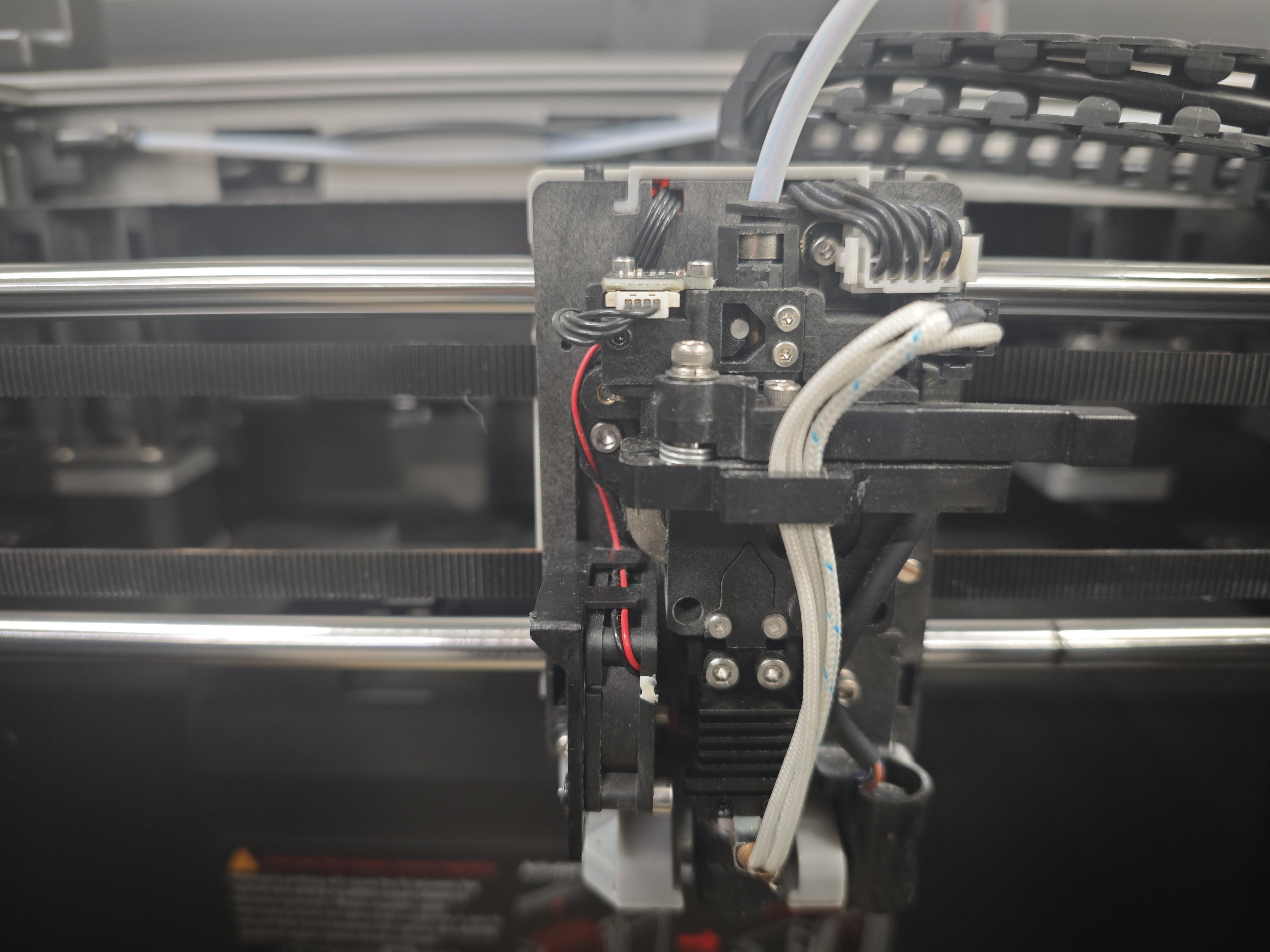
¶ Step 4 — Remove the extruder mounting screws
Unscrew the two screws securing the extruder.
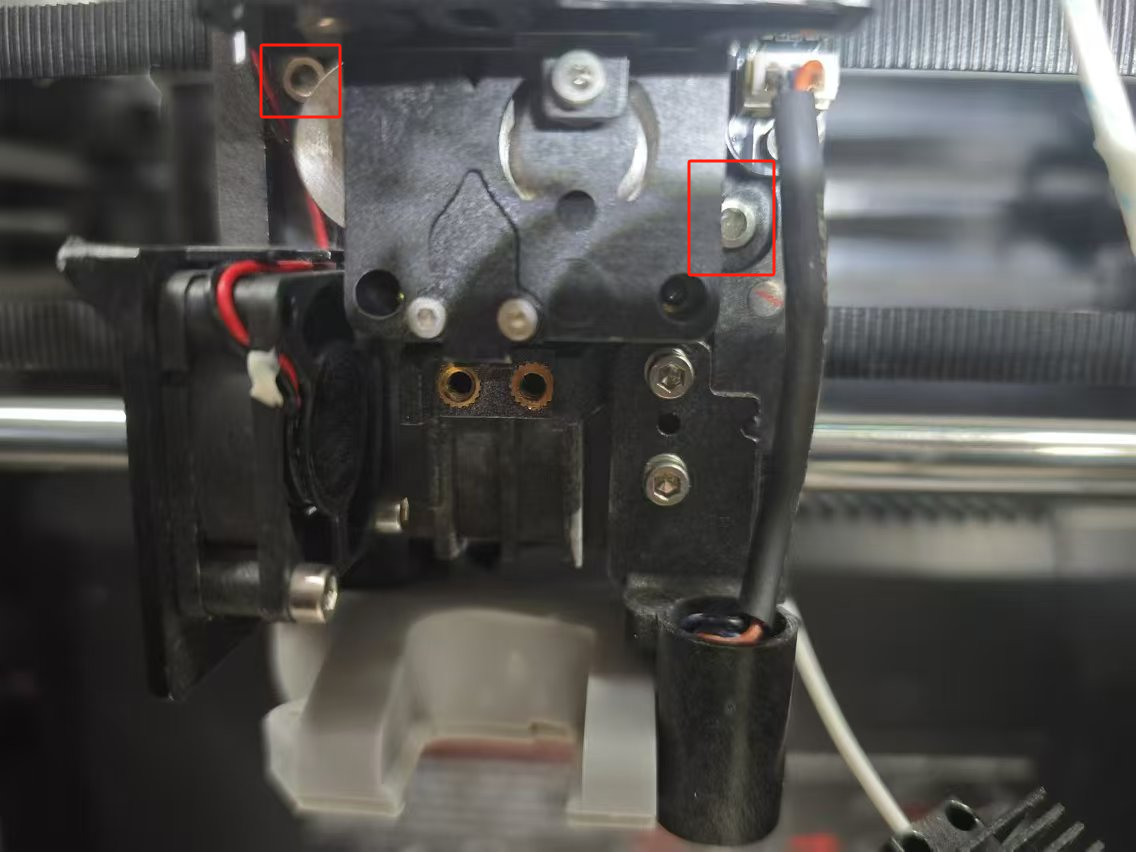
¶ Step 5 — Remove the extruder
Carefully remove the extruder assembly.
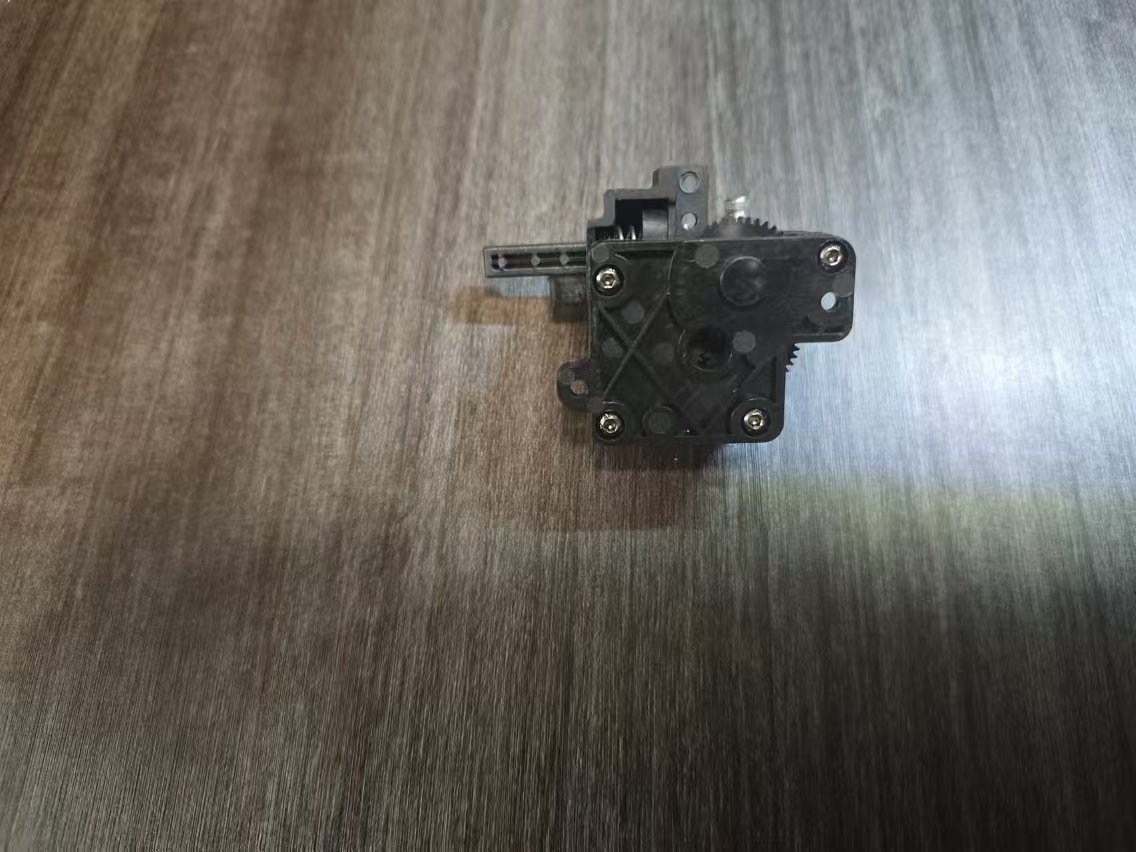
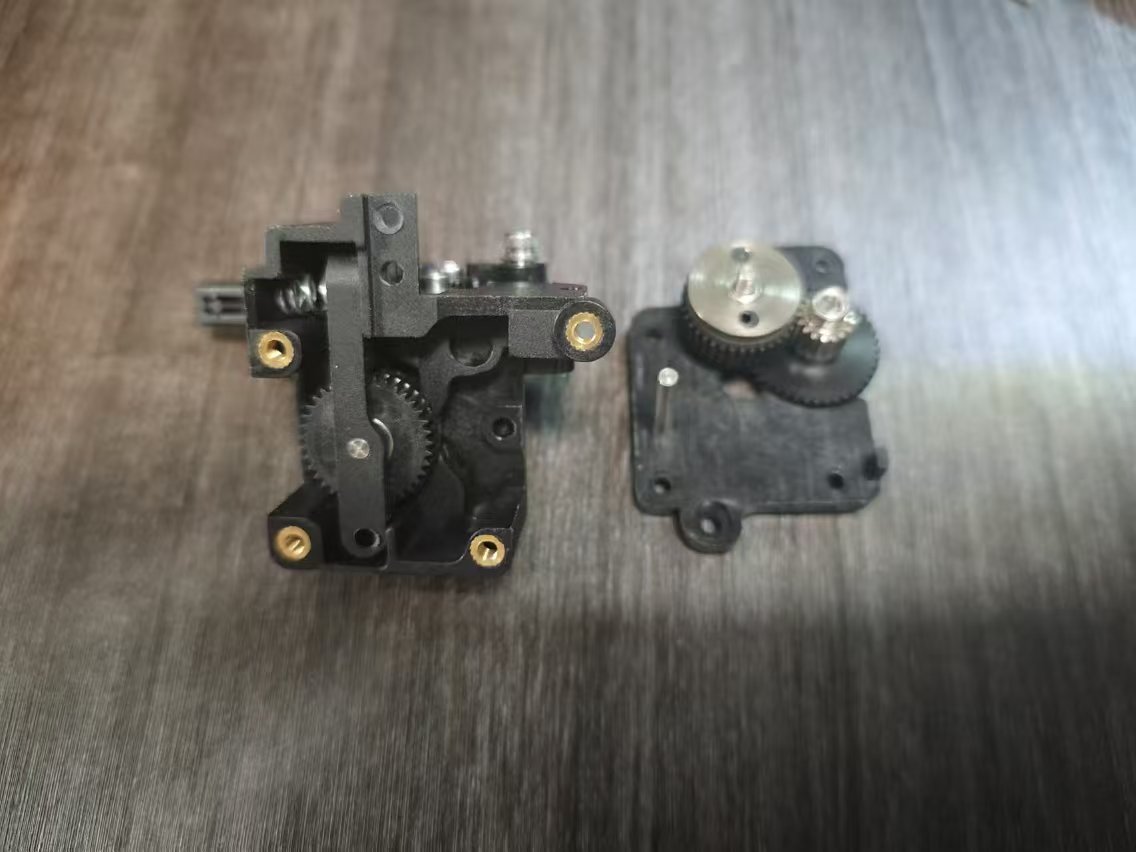
¶ Step 6 — Disassemble the extruder
Remove the four screws from the extruder housing.
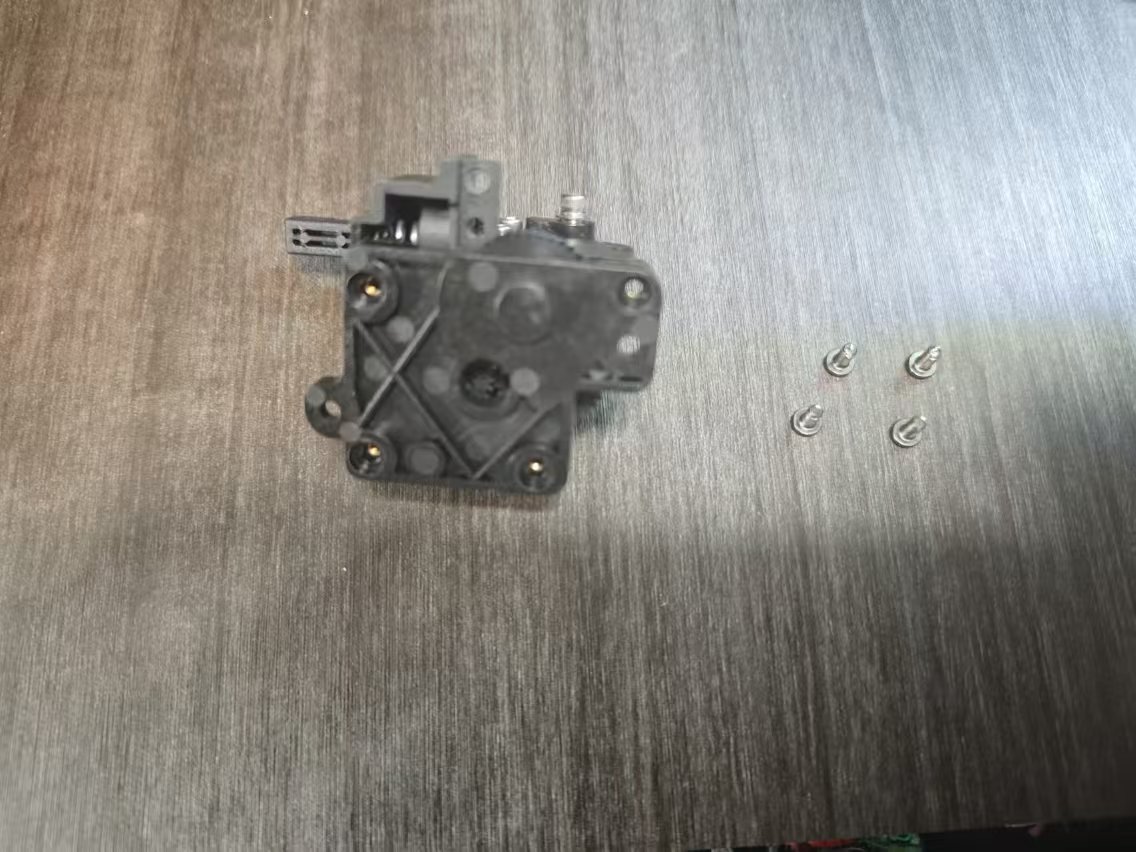
¶ Step 7 — Clear the blockage
Disassemble the extruder and remove the jammed filament.
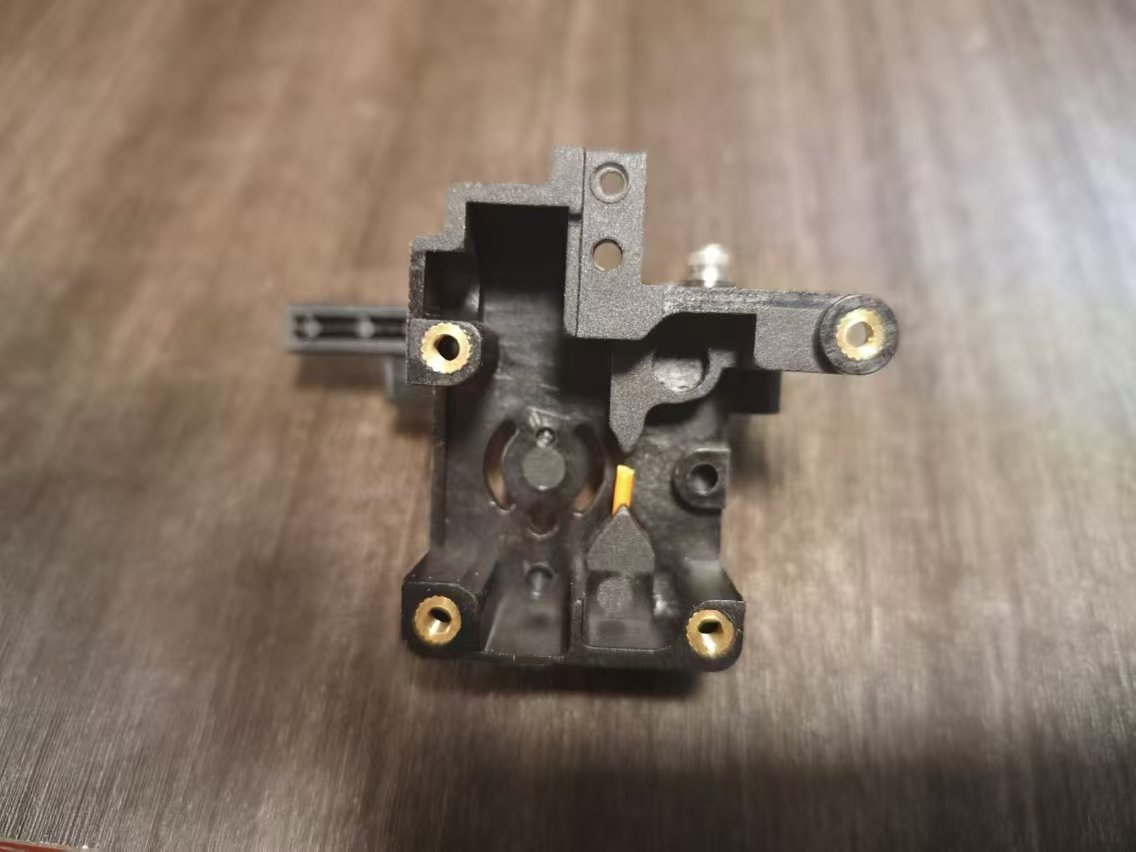
¶ Step 8 — Reassemble the extruder
Reassemble the extruder and reinstall all components in reverse order.
¶ Method 2 — Clean the Hotend
Reference video:
How to Clean the Hotend
¶ Step 1 — Cut the filament
Use a filament cutter to cut the filament above the extruder.
¶ Step 2 — Remove hotend cables
Remove the hotend cables from the routing clip.
¶ Step 3 — Remove mounting screws
Unscrew the two hotend mounting screws.
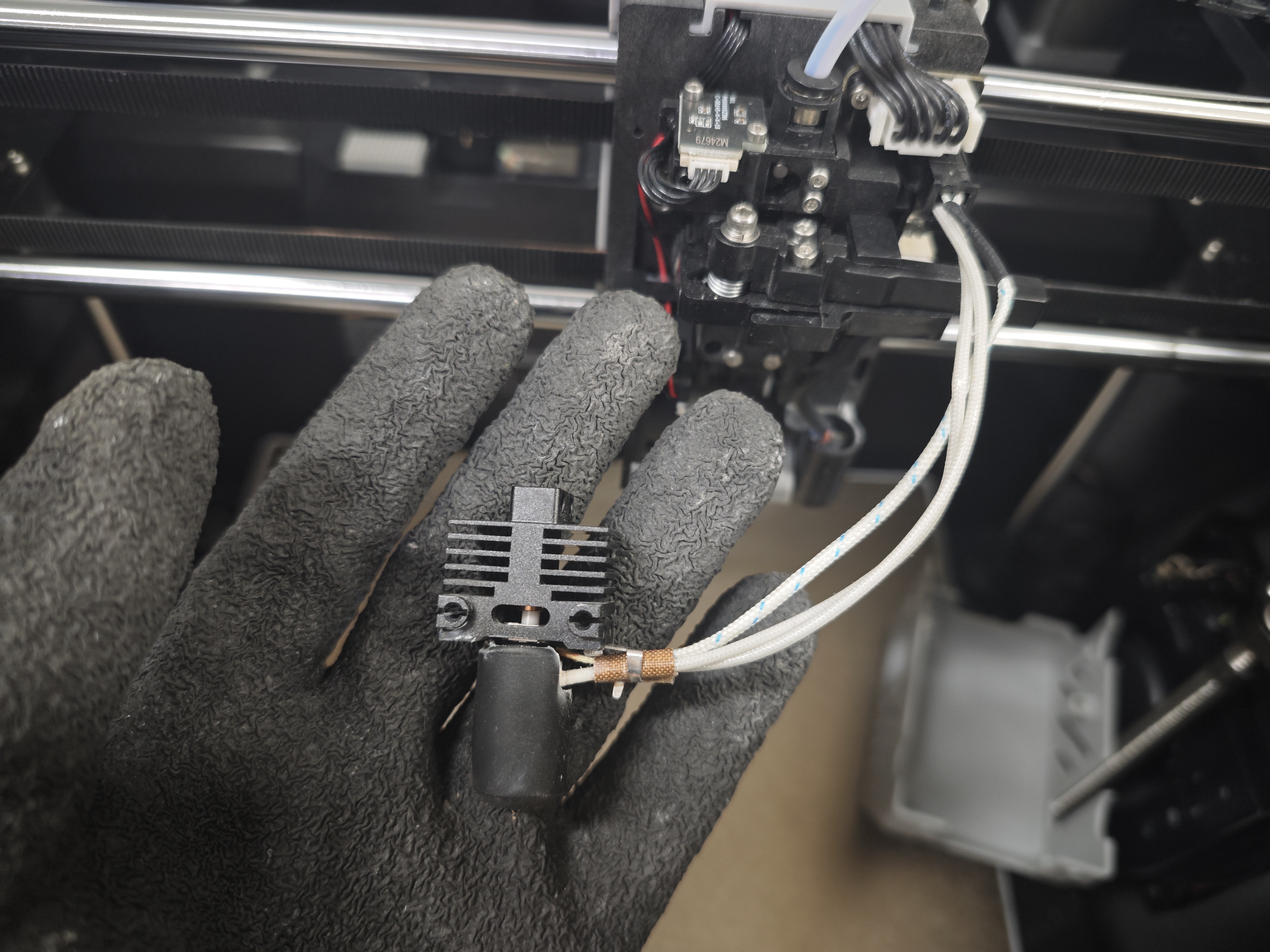
¶ Step 4 — Remove the hotend
Carefully remove the hotend assembly.
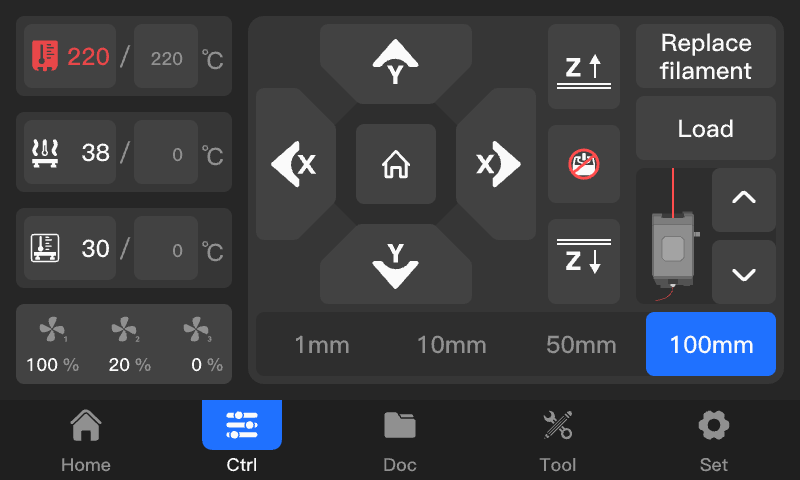
¶ Step 5 — Heat the nozzle
Heat the nozzle to the recommended printing temperature.
Warning: Wear thermal-resistant gloves to prevent burns.
¶ Step 6 — Remove filament residue
Once the nozzle reaches temperature, remove any remaining filament.
¶ Step 7 — Reinstall the hotend
Reinstall the hotend assembly.
Tighten the mounting screws, organize the cables, and reinstall the front cover.